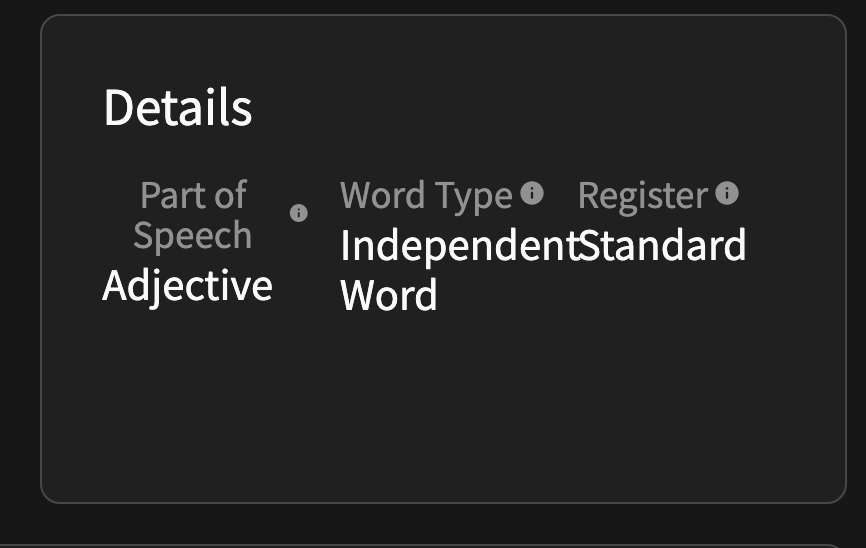
I think the info button explaining what each item does in the details section is a huge win. But I think clicking or hovering on the word should bring up the definition.
Clicking on the “i” icon, you have to dig through a bunch of terms. For example, to know what independent word means, you have to scroll all the way to the bottom and then click “See All Technical Terms” and then it would be available to see. Way too much friction.
Also fix the formatting! (Though, that should be in a bug report, eh?  )
)
Edit: Upon further investigation, it does seem to highlight the Part of Speech/Word Type/Register when clicking on it, but for some reason, it "saves the location of the scroll bar when going in-between the three sections.
For example, you click on part of speech, scroll down to half way, exit, then click on word type – The scroll bar is in the middle of word type which is probably why I saw that initially. Pretty weird behavior!
Also found this:
“An helping verb” → “A helping verb”
“Non-independant” → “Non-independent”
Tbh there’s a bunch of smaller grammatical issues in that list, but what I listed are the only typos.