
hello, hello. So, I do quite like the cram options such far. It is totally not a big deal, but I do wish I could keep the options I have as like, a default each time? Or if it pre-selected what you chose last time and remembers it, with me only having to give it a once-over and press confirm. sure, it only costs me 5 seconds to select them I know, but sometimes I start the session without them bc I forgot to pick one. for example, my options are,
Listening, SRS - Beginner, No spoilers.
Would love if every time I selected cram these things were already chosen. thanks!
3 Likes
Id personally prefer it if the homepage activity graph just displayed total cards without distinguishing between grammar and vocab 
I believe it’d be good if the Bunpro N5-N2 Vocab decks’ items were tailored more towards their targeted JLPT levels. For example… I’ve run into several review sentences in the N5 Vocab deck that used N4 grammar points. For students who haven’t yet learned those grammar points, that can make those sentences harder to understand than necessary. The fix I’d go with in regards to the N5 deck in particular: rewrite the N4-or-above-using sentences so the only grammar they use is N5.
I believe this’ll not only improve learner comprehension, but also give them a feeling of satisfaction as they get further along the N5 grammar deck.
2 Likes
I would prefer a “copy sentence” option while reviewing, so that i dont have to search for the sentence in the description or mark it, if i want to input it into chatgpt for a breakdown.
1 Like
I would love the ability to have sentences in vocab or grammar examples be blurred so that I can take a stab at translating before tapping on the sentence to reveal the answer.
2 Likes
Hi. It would be very helpful on Android devices to display hiragana on top of kanjis in Cram section (multiple choices) and Progress lists. Maybe there’s a way to change the display but I haven’t found it yet. Since I can recognize only around 300 kanjis at the moment, I cannot use those functions on my phone. Best and continue your good job.
1 Like
I’d love to be able to display favorited badges somewhere on the dashboard, perhaps in the spot where pins go?
Would be great to have the ability to have ghosts spawn only after a certain number of SRS levels. I haven't found them helpful from beginner 1 to 4 because the standard reviews come back quickly anyway.
Solved
1 Like
Sounds like you’re looking for the “minimum SRS for ghosts” setting, it’s under advanced in the reviews settings (not with the setting to turn ghosts on, but farther down)
3 Likes
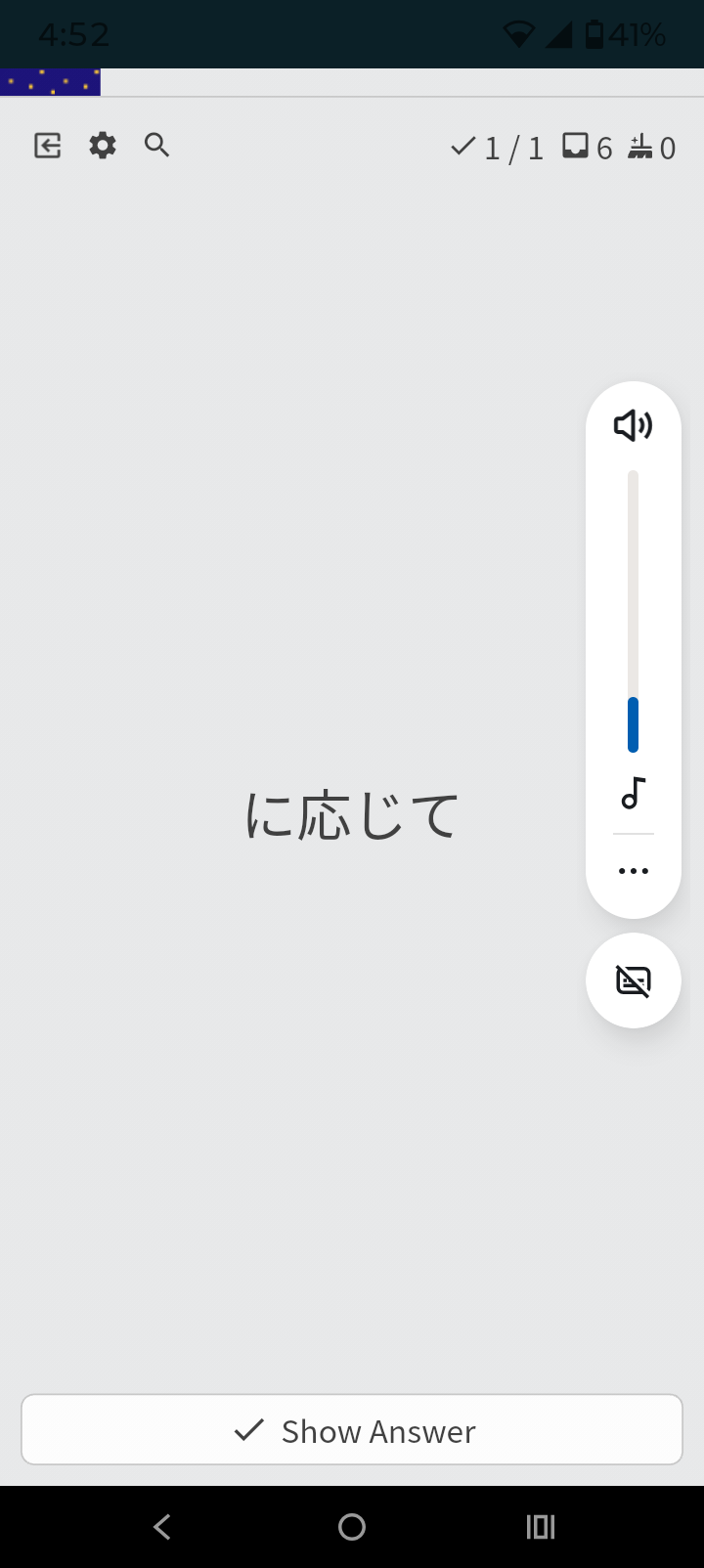
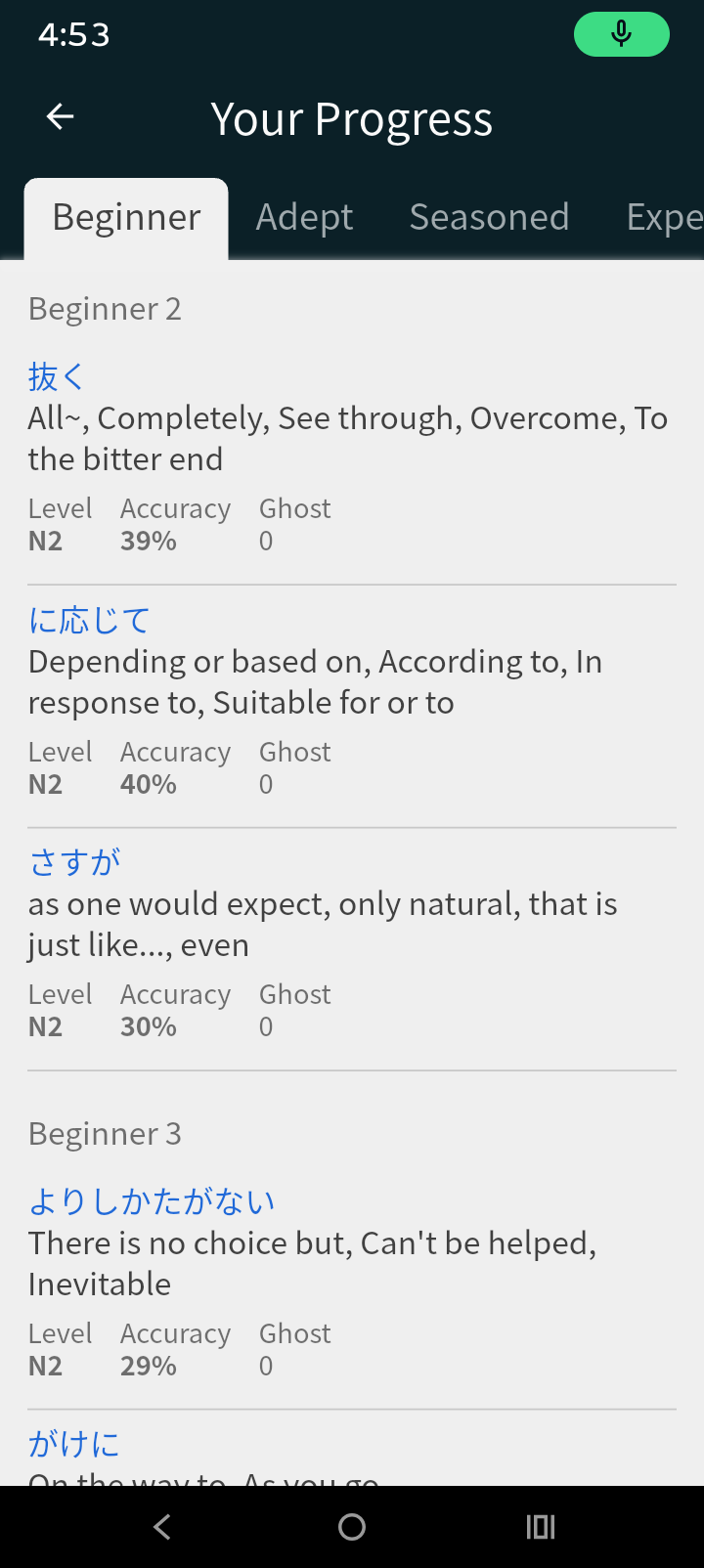
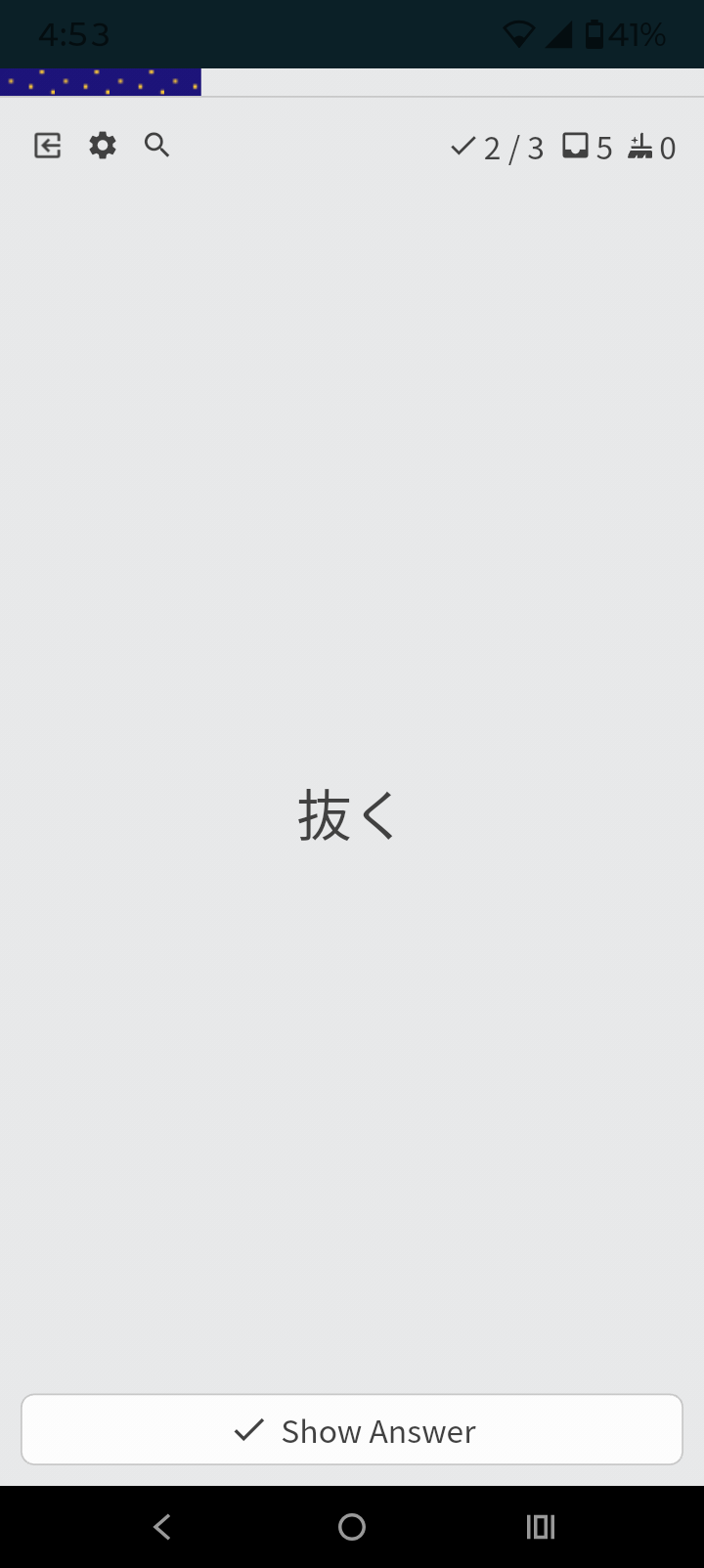
First two in Cram option flashcard. The last one from that dashboard in the Progress section when you select any level Beginner, etc
1 Like
It’s fixed!
Will be all working with the next update 
Selfishly I really want a Nagano places theme to buy in the B-Shop. Nagano is my favorite place to visit in Japan.
7 Likes
A way to randomize the review mode would be great.
I usually use the Fill-in one, which works great for grammar. For vocabulary though, I would like to remember both the japanese word as well as the meaning which requires both fill-in and translation exercises. Manually changing review mode back and forth is pretty annoying.
Maybe there could also be a way to connect review mode to SRS Level? Once items reach a level (expert, seasoned or customizable?) they change review mode (translation and flashcards?).
4 Likes
I would really like to be able to use fill-in Cloze for any word/grammar point that has example sentences. Currently it seems to be disabled on most A1-A20 vocab words, despite there being an abundance of sentences. Example:
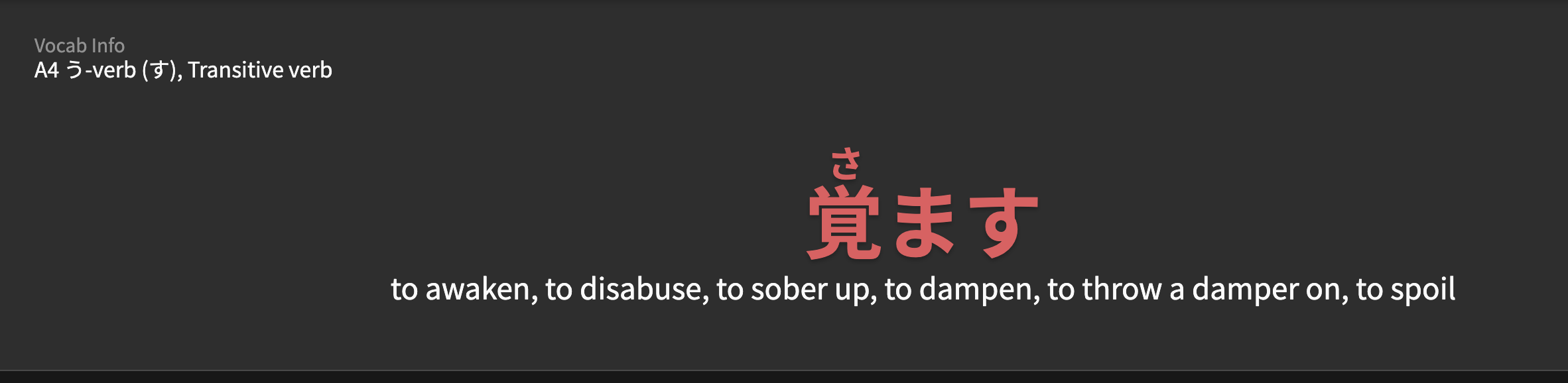
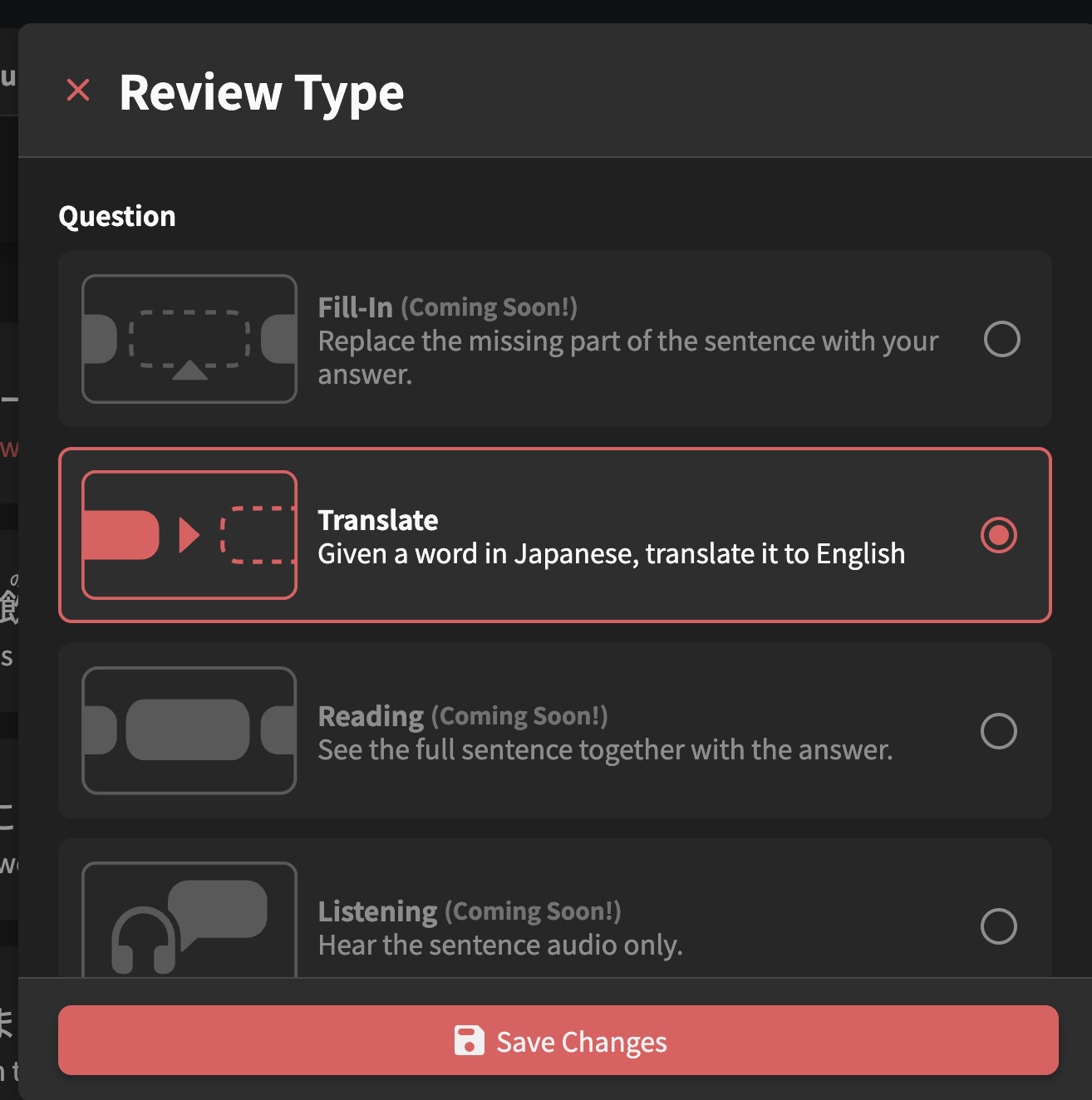
fill-in is disabled here, for some reason.
1 Like
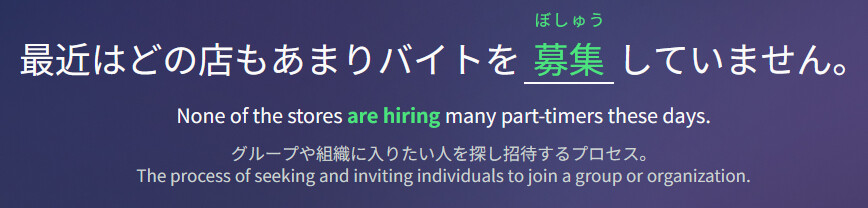
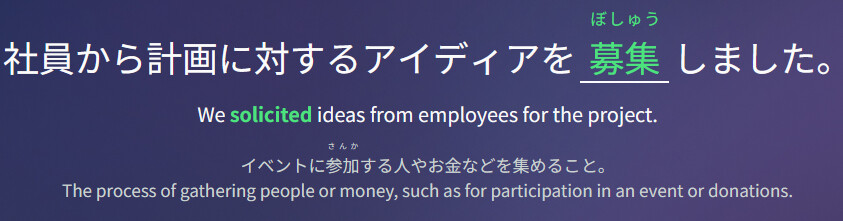
while looking through the api responses i noticed each example sentence of a vocab/grammar can have a unique nuance/hint that then also gets shown instead, when having the sentence during reviews.
When learing vocab i love reading the nuance fields, however those alternative set nuances are afaik only used during reviews, where you wanna try to ignore the hints either way. I think it would be helpful to be able to see those alternative nuances aswell, without having to look at api responses.
In the vocab 募集 for example, the nuance that gets shown on the vocab page is regarding meaning 1 of the word but makes little sense with the alternative meanings. In sentences where meaning 2 gets used, theres a custom nuance set, so during reviews it shows the nuance of meaning 2. I love this, but id also like to have read that different nuance beforehand, when having learned the vocab.
Or maybe an option to randomize the review mode, so we frequently get both translation and fill-in reviews.
It would also be cool if review mode and SRS level could be connected. So once an item reaches a higher level it can be review as translation/flashcard (for example).
In this question, which asks you for しても, when you enter したって, it will be immediately marked as wrong.
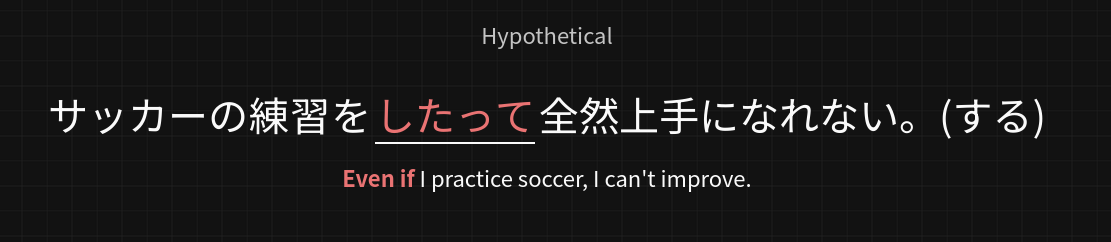
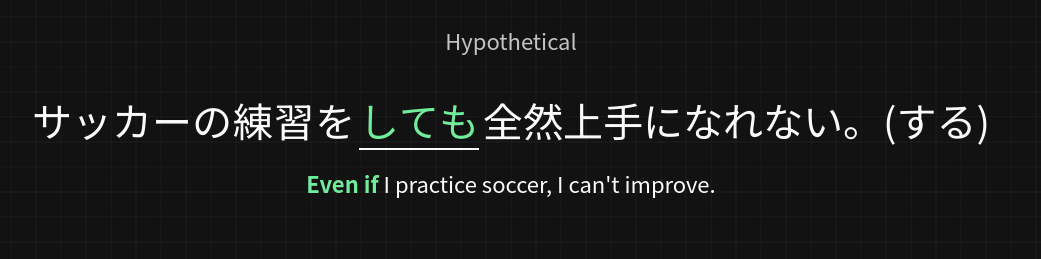
Even the explanation page for たって says:
“たって is a casual structure that carries the same meaning as ‘ても’ or ‘でも’”
I think, to make it consistent with other reviews, a hint should stop you here and ask you for more polite grammar pattern instead of rejecting it right away.
1 Like
An awesome feature addition would be adding a word for reviews.
Example when clicking on kanji to hide/show the furigana some rare words like parking lot 駐車場 have this option.
Adding this option for any word, so reviews go towards vocabulary (some sort of word mining). Would be epic
I Don’t know if its been suggested already though.
Thank you
Example sentences are coming for A1-A20 words with I assume Cloze fill-in!
1 Like