Feedback - Suggested Improvements/Feature Request

Thank you so much.

1 Like

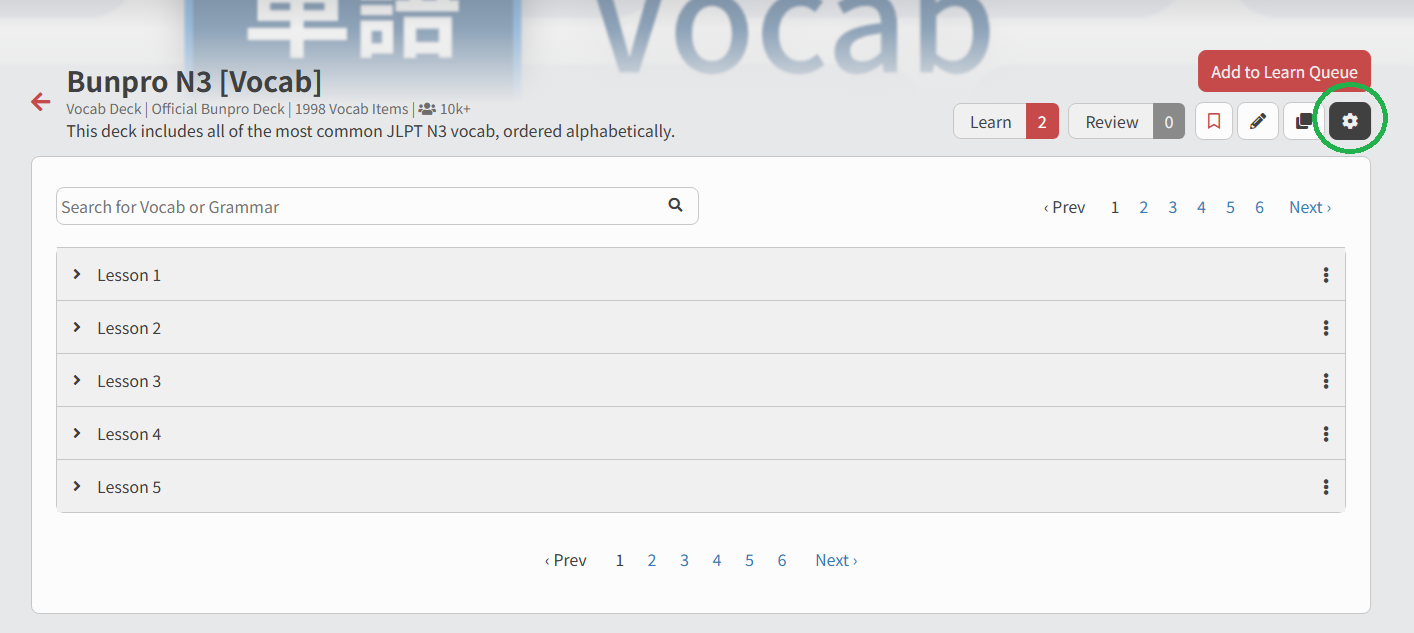
Hey, is there currently a way to cram (repeat examples of) new vocabulary after the lesson batch is done? I mean a “cram items” option similar to the one that exists for reviews, which appears at the marked position in the screenshot.

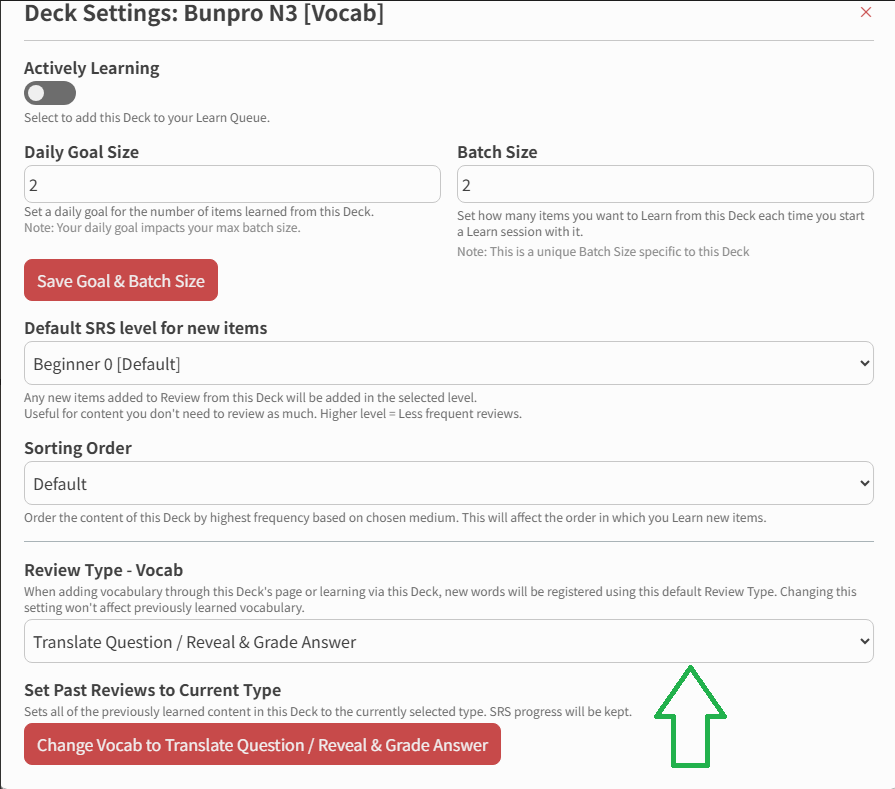
I recently started the N3 vocab deck and the question type changed from Jap → English reading translation to English → Japanese writing production (is that a setting that I can influence somewhere?) so it became significantly harder to do the first reviews without an initial practice session.

Thanks and sorry if I missed some obvious buttons!
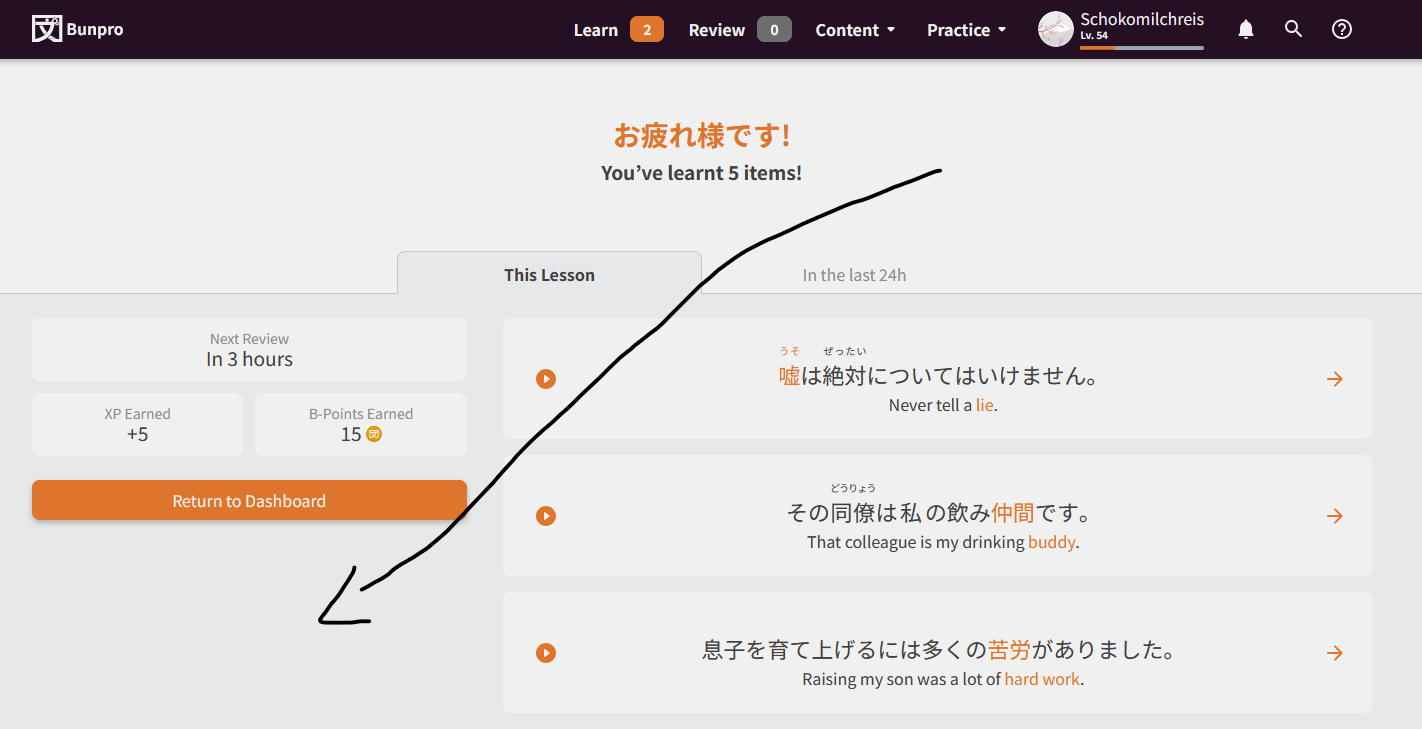
At the moment no there isn’t; I only speak for myself, but probably wouldn’t get added just because it’d likely interfere with the intended early SRS stages. Better to offer the option to Cram after someone has gotten something wrong so they can better learn from their mistake, than when they first learn I suppose. Might be a way we can add a ‘Recently Learned’ dropdown into Cram under the Special tab, but I’d have to discuss with the rest of the team next week and see if there’s any interest there.

If you go inside of your Deck and click this button circled in green then scroll down to the bottom, what Review Type is that displaying for you? Hopefully that’s a quick lil’ fix to your problem, but if there’s more trouble just let me know and we’ll figure it out! :man_mechanic:


1 Like

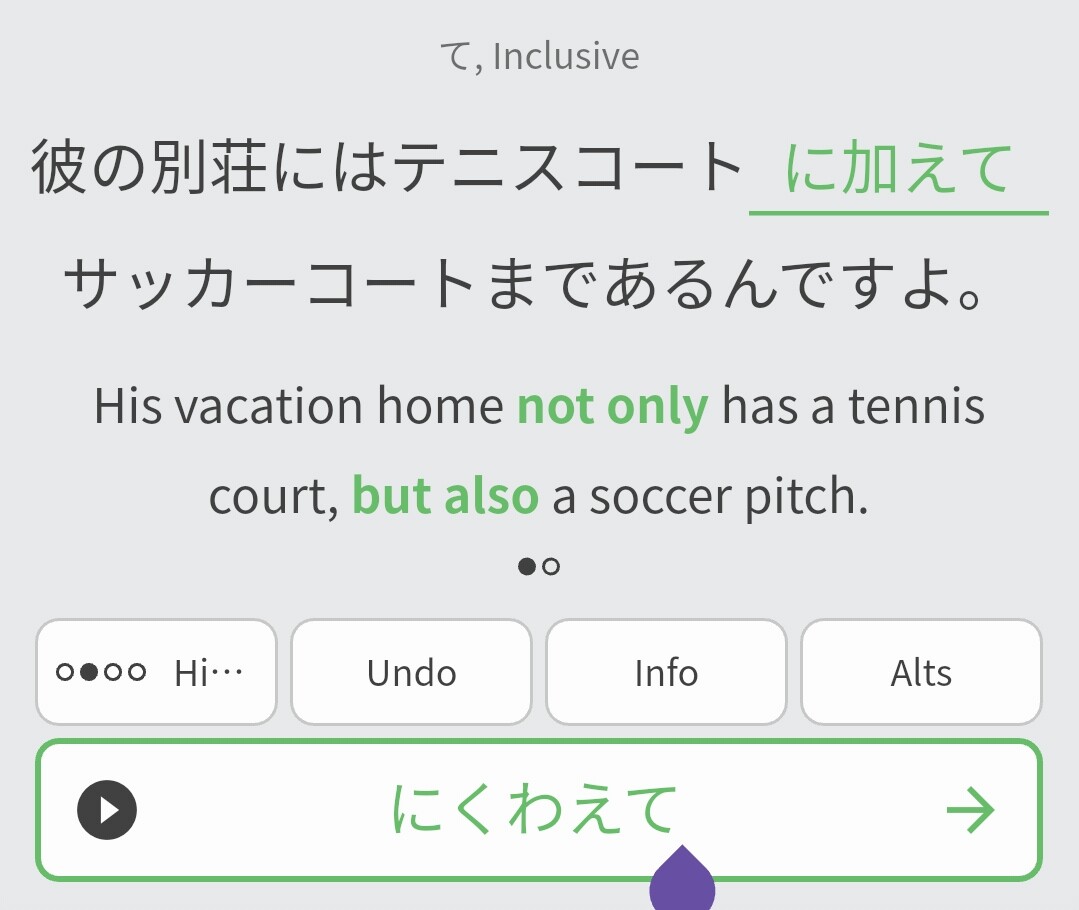
Why not use something like “in addition” for the English translation of this grammar point, instead of making me think of other grammar points (に限らず? ) that more closely reflect the English translation? It’s hard enough remembering all grammars points that mean similar things and where to apply each, now you make me reverse engineer a natural English translation. That is to say maybe the most natural translation is not the best fit for the purpose of learning grammar.

1 Like

Heya,
Any ETA on the “reading type review” availability of Ax vocab sentences ? Most of the early ones (A1-2-3) seem to have exemple sentences now, so it’s a bit frustrating to still not be able to add them because those sentences don’t show up in reading type review mode. I have the biggest Ax backlog bookmarked and can’t wait to actually add those to my reviews

5 Likes

I’m in the same boat as you.

I spam the people in charge of this maybe every 2 days, but still haven’t got any ETA.
I believe other projects are being prioritized at the moment

7 Likes

Thanks for the honest answer. Here’s hoping your spamming will eventually work out then :crossed_fingers:

2 Likes

Thanks for your reply and your help :blush:

1 Like

No worries, happy studying! :cowboy_hat_face:

1 Like

I’m not sure if this is already buried in a grammar point somewhere, but it might be useful to have an entry on how features are described. For example, ‘明子さんは緑の目をしている’/‘Akiko-san has green eyes’.

There are a lot of entries on the different ways する can be used, but I haven’t seen this one.

I also wonder if it might be worth it to have like a little index of all the entries about a given verb.

1 Like

The draft of this exact grammar point has already been written but hasn’t been published yet. It’s like you read my mind…

3 Likes

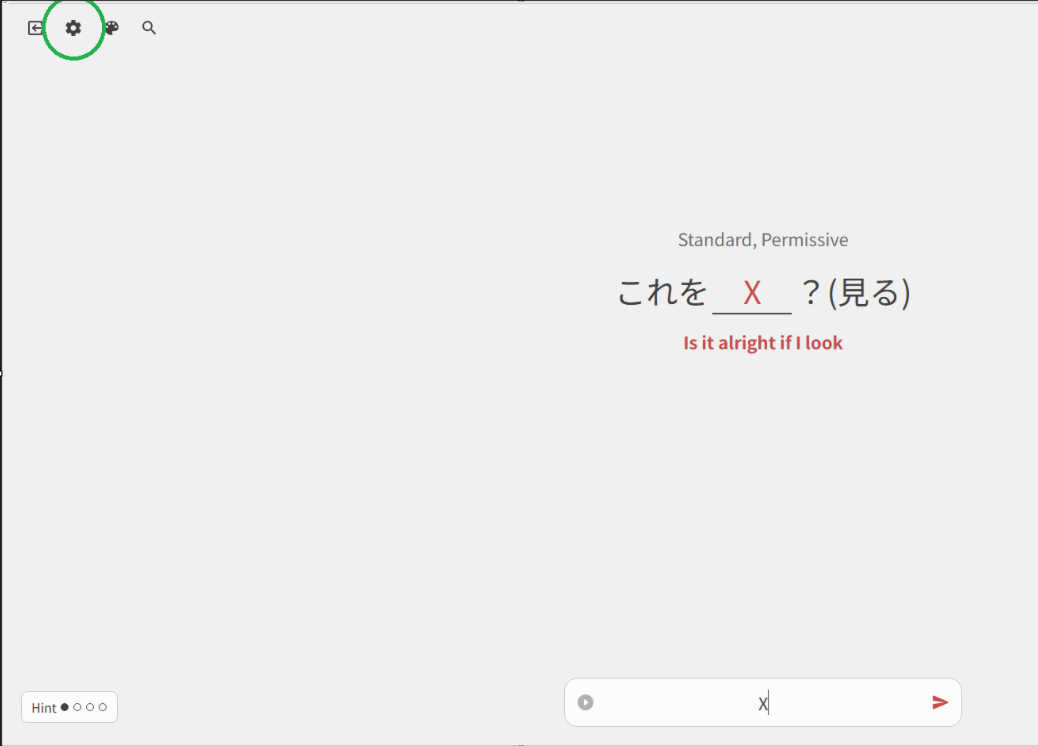
Is there a way to edit/replace keybinds? I hit the Zero key instead of - at least once a session, which triggers the “do you want to end your session?” pop-up. It’s pretty annoying, and I don’t really have a need for an end session hot button anyway.

1 Like

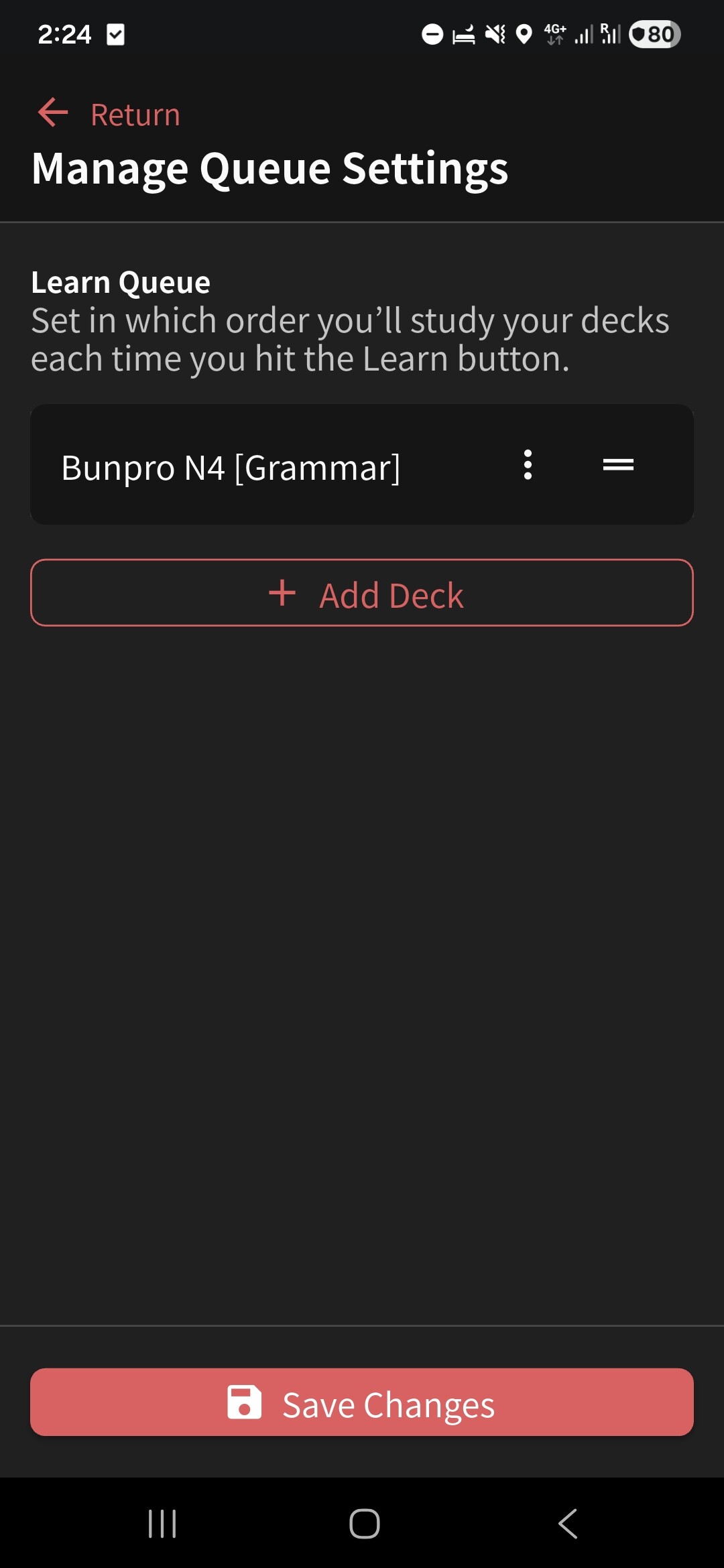
I noticed you can order decks to learn but not to review.

I wanted to wait before learning N4 (I use bunpro grammar deck). This way N5 cards are “far enough” in time to not have too much cards in one day.

I’ve reached enough time to get days without much activity.

So, I wanted to start N4.

First review, it went like that :

Some N5 in Seasoned stage → N4 in Beginner stage → N5 Seasoned again → N4 Beginner again.

I’m pretty sure the reviews should be taking Higher grades by default, not mixing decks up.

Like how Grammar and Vocabulary can be split.

But many others have their own methodology.

So, my suggestion would be to allow users to modify the order like we can do in “Learn”.

By dragging decks in a precise order and setting general parameters such as max daily reviews. It already takes batch size from “Overview”.

If using Bunpro’s deck, we can probably use a slider to set Grammar or Vocabulary first, same with SRS, Lessons and JLPT.
Or even an “easy” slider which could be by default : Higher SRS ignoring decks (Every Seasoned 4, then every Seasoned 3 etc).

This may have been suggested before (maybe even by me hehe) but I would love an immersion mode similar to how the game Wagotabi does it. As you learn more vocabulary, settings, ui etc gets replaced by the Japanese counterparts. For example, one of the first changes is that the buttons of the quit out menu states はい and いいえ respectively. I know you can change the language of the whole site, but I believe this gradual change would make it easier for beginners as well.

Alternatively if there could be a deck containing all vocab required to navigate the site in Japanese comfortably :smiley:

1 Like

Can’t speak to the first part of your post since it’s not something we’ve discussed before, but happy to report there is already a Deck you’re looking for!

Happy studying :man_artist:

2 Likes

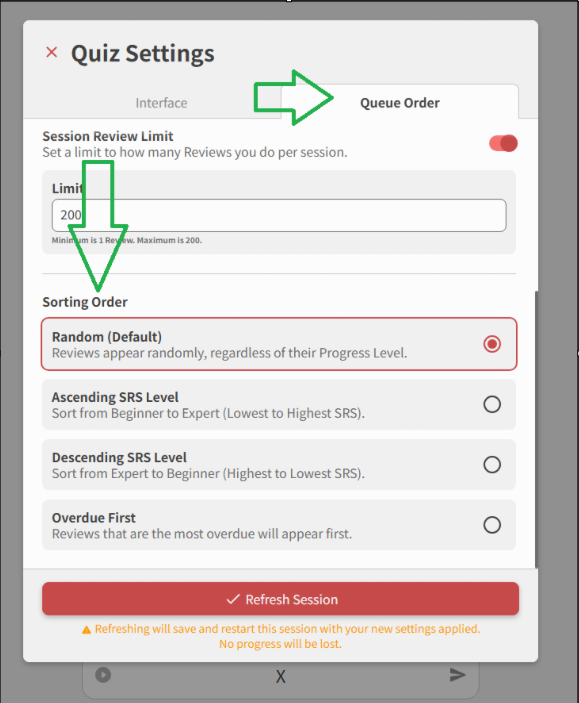
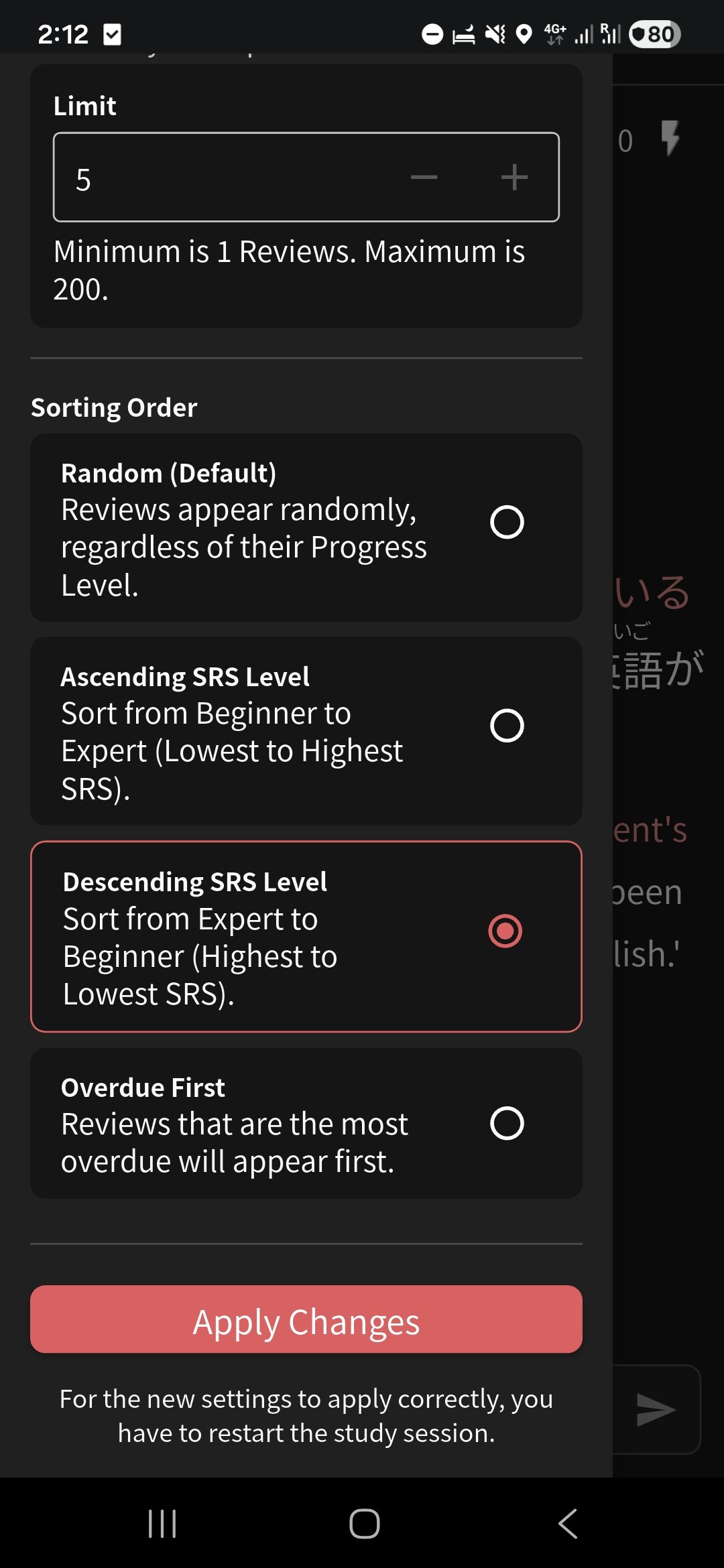
The default Review order is indeed Randomized, and Items will show regardless of their current progress. If you’d like to change how they are shown to you, follow these quick steps inside Reviews:


Let me know if you have any other questions.

That’s already the case.


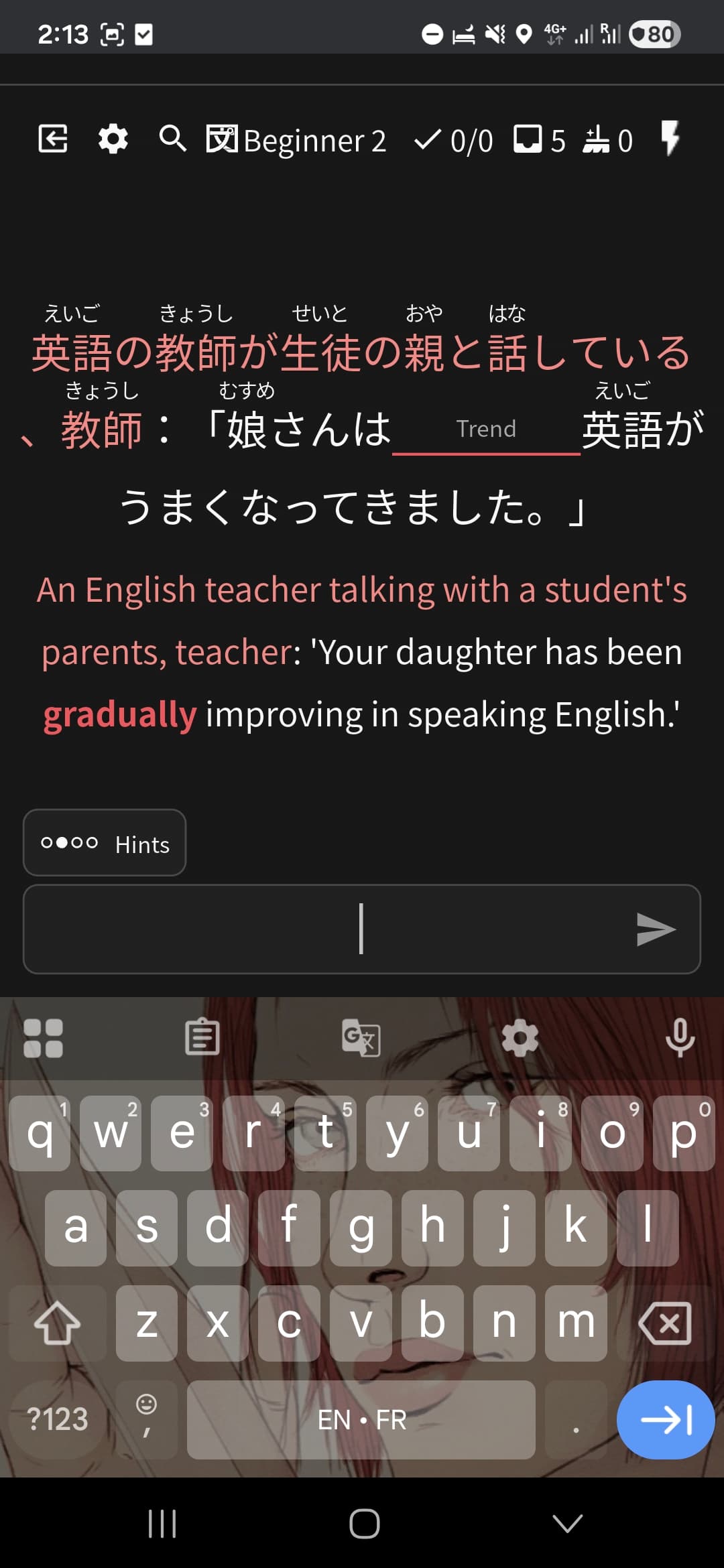
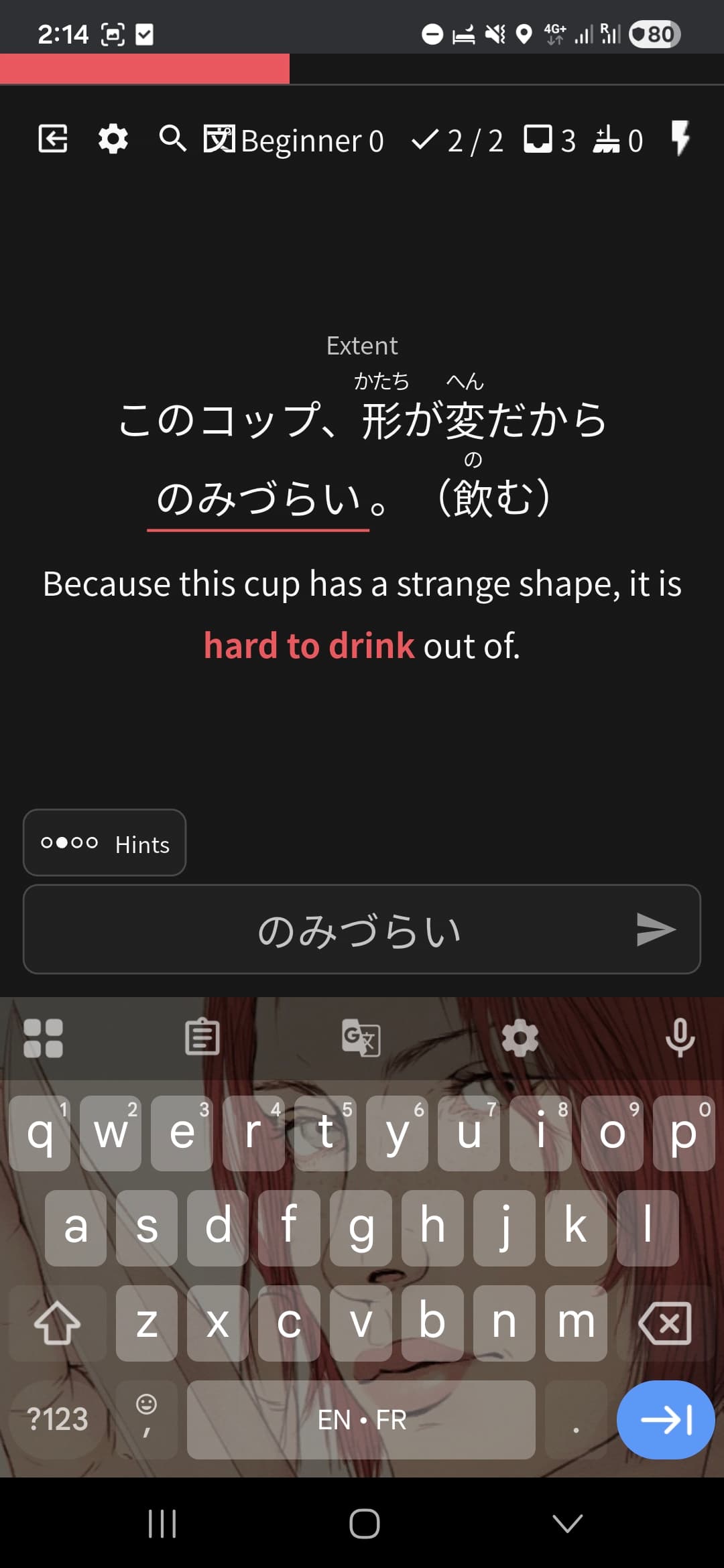
No N5 review atm, so couldn’t attach them

I might be getting the wrong idea, but I think what you want to do is study from the deck page?

If you go to your decks page, you can review by deck

That way, you can do n5 reviews first, then n4.

If I’ve misunderstood and this is unhelpful, I apologise!

1 Like

Yes, I could try that, thx :]

But the suggestion here remains, having the same thing as “Learn” where you can order decks. That’s strange you can do it here but not for Reviews.

Also, it means you have to be IN a review session to modify it, unless I’m just unlucky and didn’t find it in settings to add a screen earlier.

It would be more pratical since users can order any deck the way they like. Grammar, Vocab, Kanji, anything first, no matter since the deck has a type and a level (N5, grammar) While currently, if I go to the dashboard, I’m only given the choice between Grammar and Vocab, that mixes levels and breaks the current settings I have set in the first place.

1 Like

That’s awesome! Must have missed it. Thank you!

1 Like