Feedback - Suggested Improvements/Feature Request

No worries, happy studying! :v:

1 Like

What about a Bunpro API / MCP? I think it would be great to use an LLM to make queries like “can we practice my troubled content”? or making questions about your recently failed reviews

But, tbh, i wouldn’t make it a priority because we already have the stats page.

If it helps, it’s probably a bug on the mobile app’s end. I’ve been using the website more and more to study recently and was quite surprised that the review ordering feature worked properly, while on Android it tends to give you ordered-ish reviews instead

1 Like

Do you know if there’s a deck that also includes words like 品詞 which can be seen on the grammar pages? It’s perhaps easier if I add these to my reviews manually when I encounter them though.

No idea to be honest, like you said the quickest way probably would just be adding them manually one-by-one whenever you encounter them. I can’t imagine there’d be too many of them that aren’t included in the deck. The majority are likely to be at the top of the Grammar/Vocab pages so can just add 'em all in real quick :+1:

1 Like

Will do! Thanks again :smiley: I’m hyped to switch Bunpro to Japanese

4 Likes

Such a lame request… but

It would be cool if the the muted forum posts, that don’t show up in latest while browsing the forums https://community.bunpro.jp, also didn’t show up in the bunpro latest, while doing flashcards/lessons Dashboard | Bunpro.

It would be nice if it was possible to add images to the ‘notes’ section of vocab and grammar. I’ve been creating visual aids recently for difficult to distinguish words and grammar.

Hi there !

It would be great to have the option to manually set the N level of example sentences shown during reviews.
My problem is that for some vocab, I keep cycling between two N4 sentences repeatedly. Obviously that’s not optimal.
I guess this is because I haven’t fully completed N3 grammar yet, so only N4 sentences are available.

Hi hi,

Having the option to have random, semi-random, or alternating questions types when reviewing vocab would be incredibly useful.

I can see this has already been requested at least once before, so just putting in another request in favor.

This would help a lot in:

  1. Not just memorizing the question
  2. Making sure you can both read and output the words you’re learning

Thank you! c:

6 Likes

I’m super stoked about how much I’m learning by finally having found a good SRS-based grammar tool - keep up the good work, guys!

One improvement suggestion: quizzing on fill-in mode, I’m often stuck in a loop of synonyms. I would find it a much smoother experience if the “See answer” button was also available while my input is marked yellow. Like, I’m ready to concede that I don’t know the precise synonym that’s being asked for and just take the hit on the SRS, but I have to specificially type in a placeholder to be shown the correct answer - that’s a bit of a hassly workflow.

I would also love to be able to set known kanji by some other metric than Wanikani - ideally through being able to sync up other sites (I’m a long-time Renshuu user for vocab and grammar), but even just picking JLPT levels or similar would be great. But I think I’ve seen this requested on the forums already. :slight_smile:

2 Likes

Hi!
Not sure that would help you and if it works the same on computer, but if you press the “send” button twice in the web app without entering anything, it basically counts as “I don’t know”, the answer is shown and you’re marked as wrong.

Brings a tear to my eye seeing another person use the word stoked in the year 2026 :sob:

To answer your question, I think because it might be confusing whether or not an answer is correct or not from the users POV, we wouldn’t be able to do your suggestion. We’d basically have to create a whole new setting for this one use-case, which doesn’t seem big enough unfortunately.

The only solution could be just to either add a random letter at the end of your current answer that has the yellow input display (will likely just turn it into a wrong answer right away so you can scroll down) or just backspace to clear your answer and hit enter twice to mark it as wrong automatically. I guess we want you to work through your answer as much as possible using our specialized hints, but I could see how sometimes you’d just want to throw in the towel. I’ll give it an extra think, but just wanted to say don’t get your hopes up too much.

Glad to have you a part of the userbase, happy studying!

Hope this helps!

1 Like

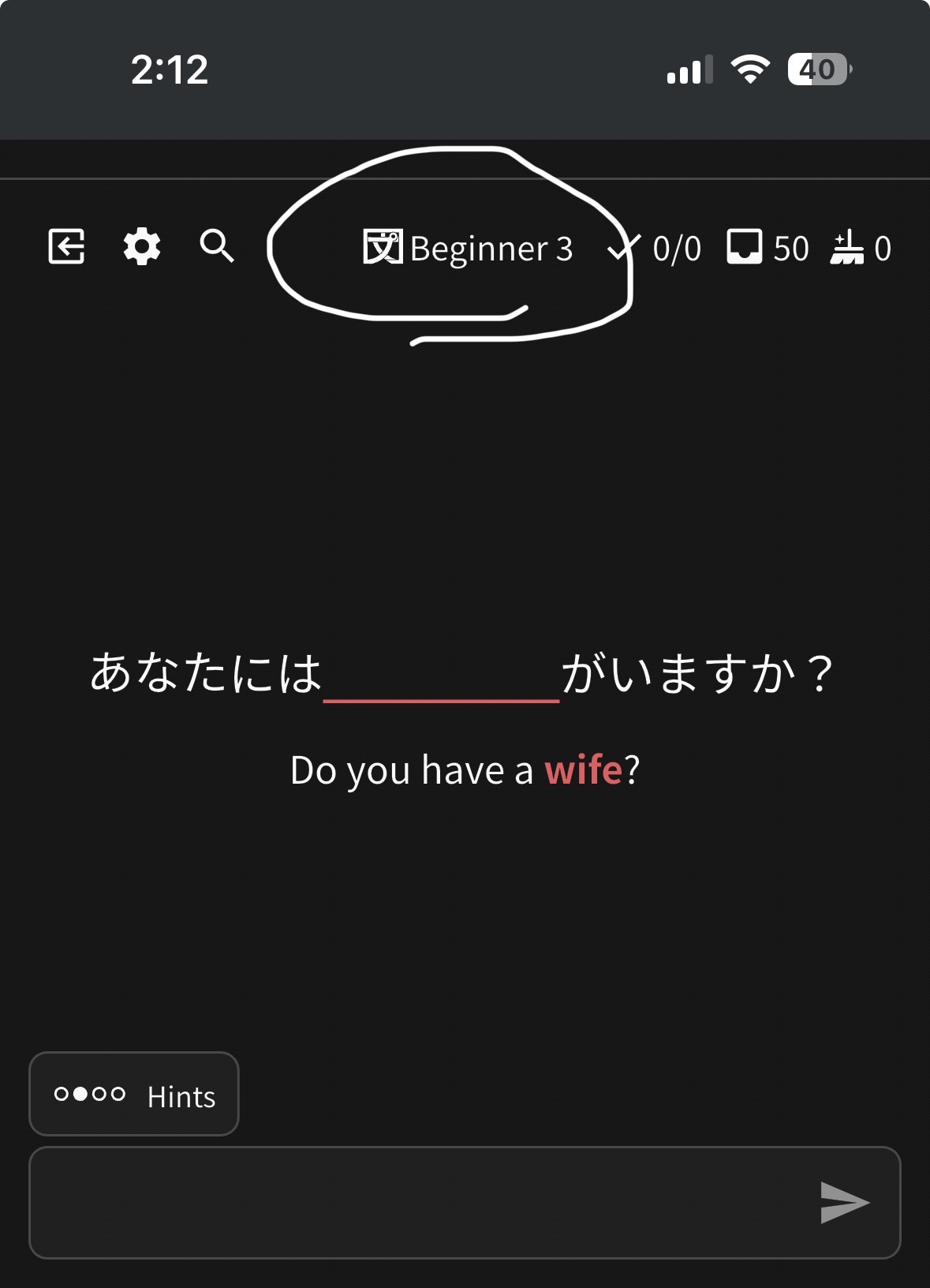
please please please add a toggle to hide this until you answer. I am sometimes able to deduce the correct word just by how recent it is.

1 Like

It will save me a lot of time, thanks :grin:

1 Like

That’s actually an option in the review settings! I had the same problem so I disabled that

1 Like

Are you sure? I’m looking in review settings for IOS and don’t see anything that says it will do specifically that.

1 Like

I’m on a computer, but there’s a “Hide Review’s Level” toggle in the Quiz Settings menu (accessed by clicking the gear while actively reviewing)

Under the ‘Reviews’ category of Settings you’ll see a sub-category halfway down called ‘Review SRS’ that either completely hides or shows the SRS level during reviews. We don’t have an option to have it hide but then re-appear after an answer is shown; maybe sometime in the future, but not currently.

2 Likes