
Hey everyone! 
We have added a new Vocab Coverage widget to Grammar Points. 
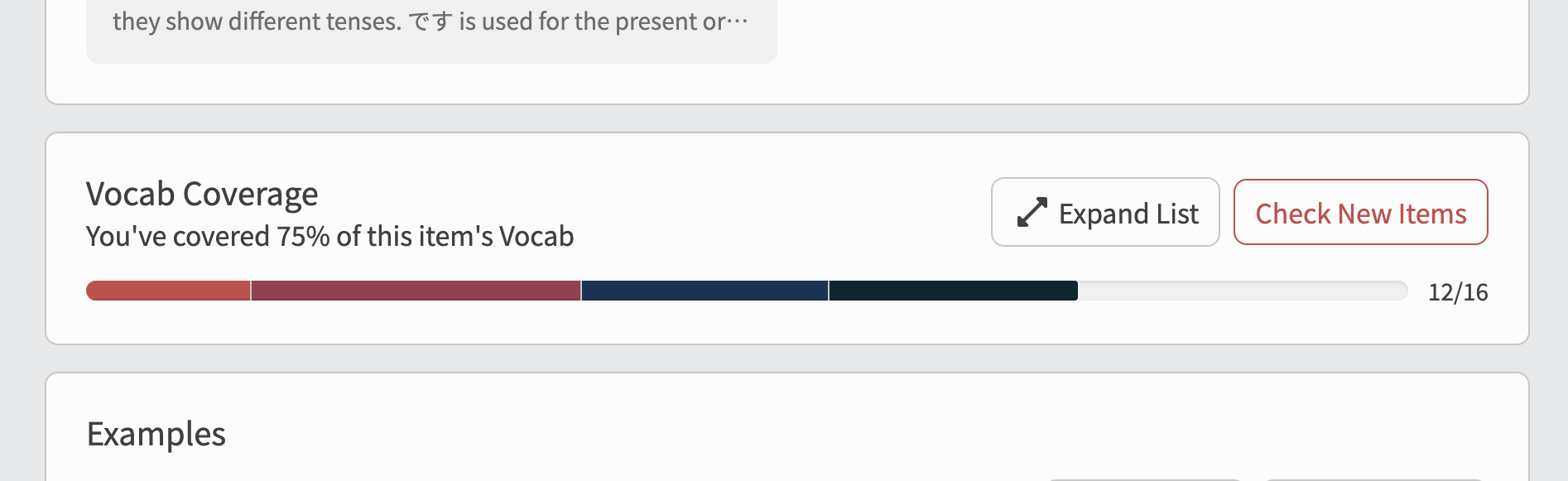
Nestled between Synonyms and Examples, this section holds all the Vocab that appears in that Grammar Point’s sentences, and highlights which of those words are new to you.
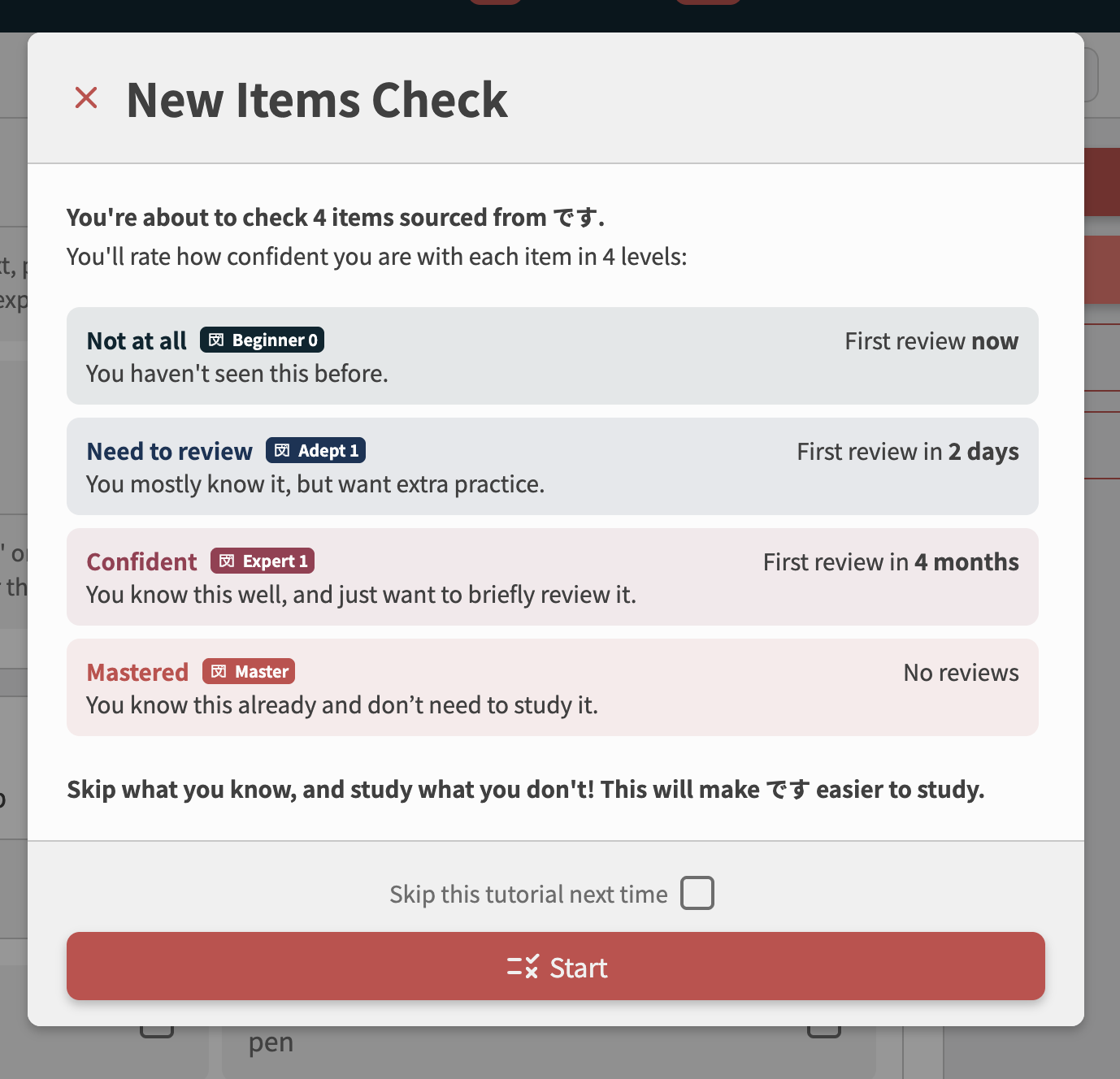
 What it shows
Each Grammar Point now has two lists:
-
New to You
- The Vocab used in the Grammar Point’s sentences that are new to you.
-
Learned Items
- The subset of Vocab that you have already covered.
 Check New Items
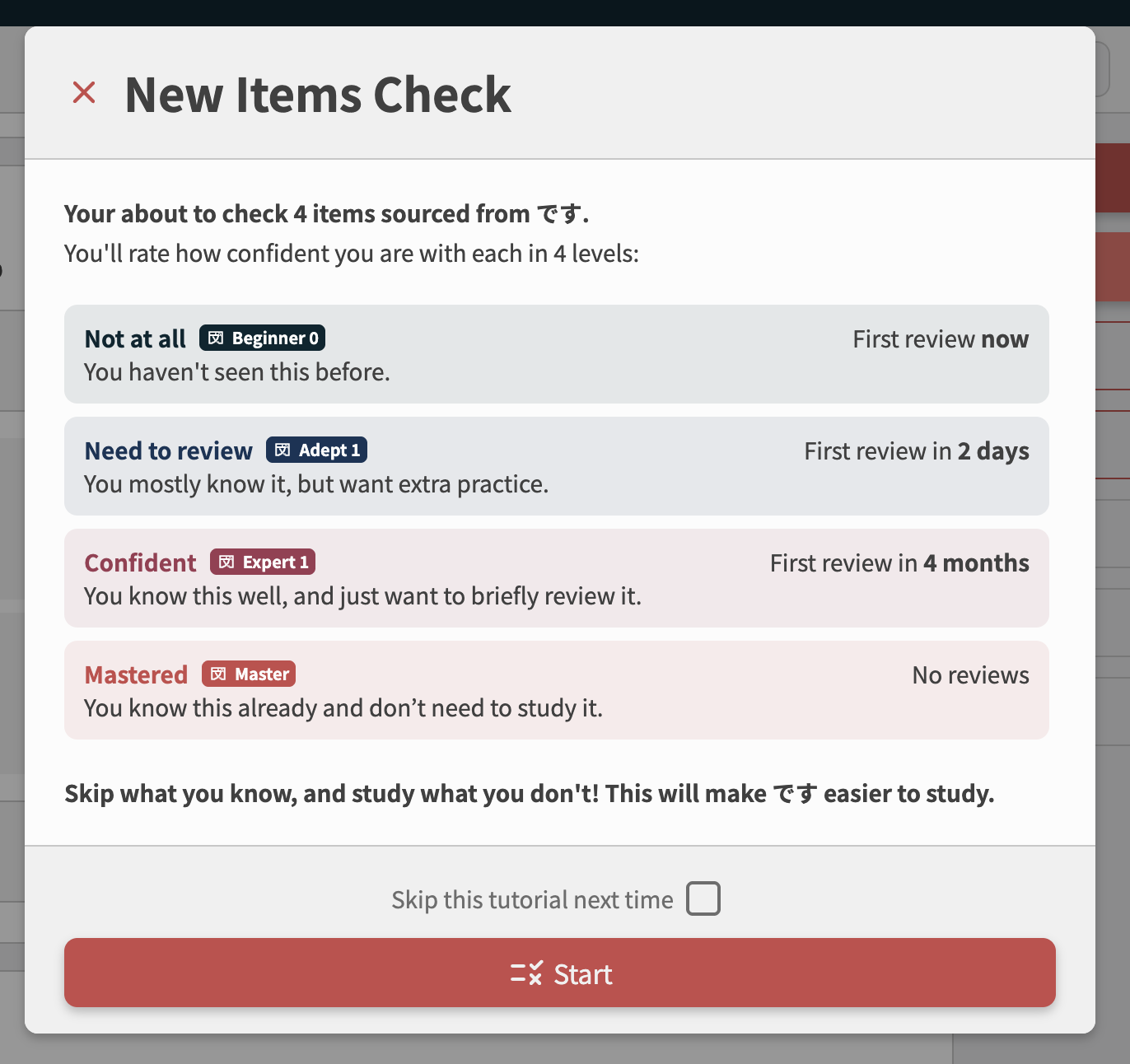
Using the “Check New Items” button will open a “coverage check” – a condensed quiz to check and process your existing knowledge of the Vocab.
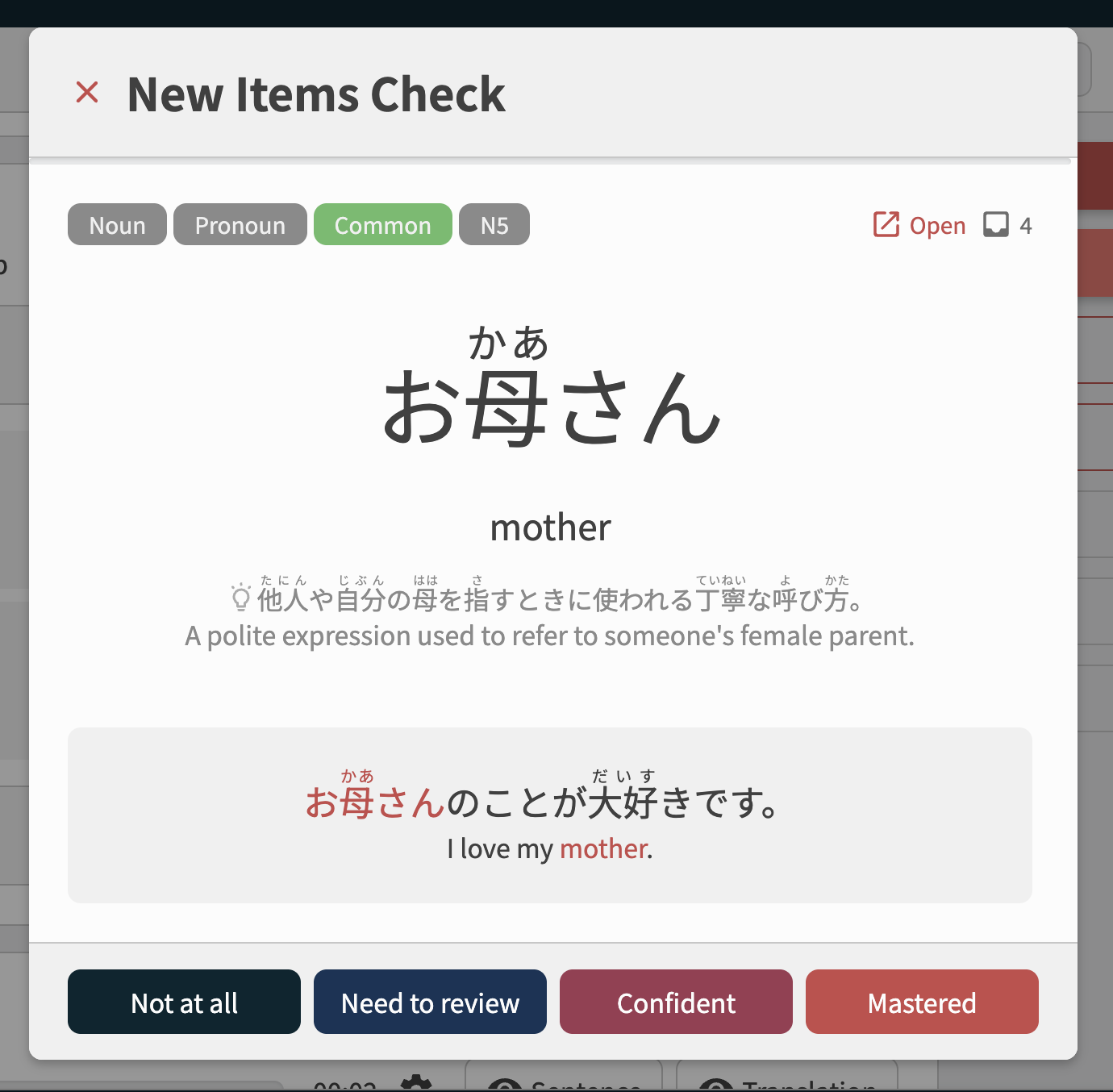
Each item in the quiz is a Vocab flashcard:

You can rate how well you know it:
And at the end of the quiz, you can see all the Vocab, your assigned levels and make any last minute changes:
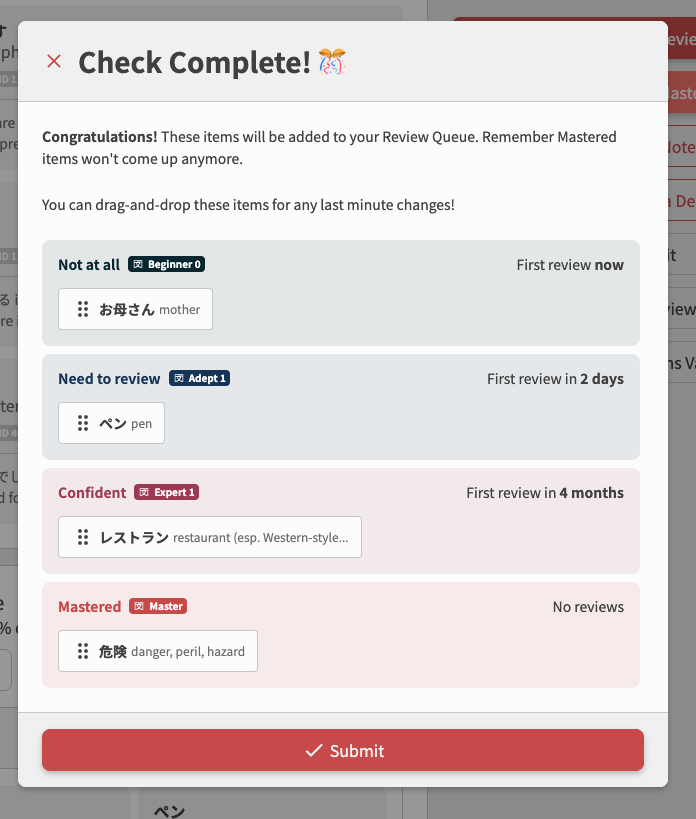
And voila! You’ve speed-rated all the Vocab for that Grammar Point.

PS: The normal Review hotkeys work: A to Reveal and 1 - 4 for assigning a rating.
 Why we added it
Our primary goal was to make coming into Bunpro with existing knowledge as easy as possible, and allowing quick gap-filling wtithout having to go through the longer Learn + SRS Review process.
The Vocab Coverage widget also gives a clearer view of the Vocab load for each Grammar Point.
It helps in few other ways too, it allows:
- Viewing of all of the Vocab used in one place
- Better understanding which Vocab are actually new to you at that stage
- The ability to learn the Vocab for sentences before they come up in Reviews, so you can focus on the Grammar
 Where to find it
You can find Vocab Coverage directly on Grammar Point pages, below the Synonyms and above the Examples!
 Final Notes
This is just another lil juicy nugget to help expedite you on your Japanese journey.
We hope it comes in handy!
As always, if you have any feedback or suggestions, we would love to hear it!
 The Bunpro Team


 One question though, does it also include vocab for all review sentences or strictly example sentences used to explain the grammar?