Feedback - Bug Reports

Yes, the 70% passing score was set by our team.

As you saw from your googling, the official JLPT score system is super confusing.
This is to keep the scores consistent even if the test difficulty varies each edition. They adjust how many points each question is worth based on how well test-takers perform on it.
So 90 points out of 180 is not equivalent to 50% correct answers because easier questions give you less points.

Because their system is so intricate and not fully public, we can’t perfectly replicate it. That’s why we’ve set our own 70% overall pass mark for our mock tests.

2 Likes

This might be of use:

拝借する is one of those verbs that are already humble on their own, and should not be further humbled by grammar.

2 Likes

Hmm, interesting, thank you. I think this is the first grammar point I’ve ever seen that’d have an example for when not to use a certain grammar pattern, so this is a bit confusing. Perhaps when you fail this, it could give a brief explanation of what’s going on, like for many other grammar points.

1 Like

Ahhh you’re on the Android app!
That explains why I wasn’t able to replicate the issue.

I need to get better at remembering to ask that mobile vs. web question… :sweat_smile:

Will pass this on to the mobile dev!
Sorry for the rigmarole

1 Like

Good catch! I thought I fixed all these, but obviously not…

Should be fixed now. 🙇‍♂️

1 Like

There was an issue with the bulk update that we did for the N3 Grammar Alternate Answers Update.

They should be fixed now!
Thanks for bringing it to our attention.

2 Likes

Yeah looks like the grammar point is more about “humbly doing”, not just the verb 致す。

So it mentions and tests on some of those humble する verbs too

Oh yeah sorry. I did specify this in the 1st message in the series of quotes, but that was a while ago.

1 Like

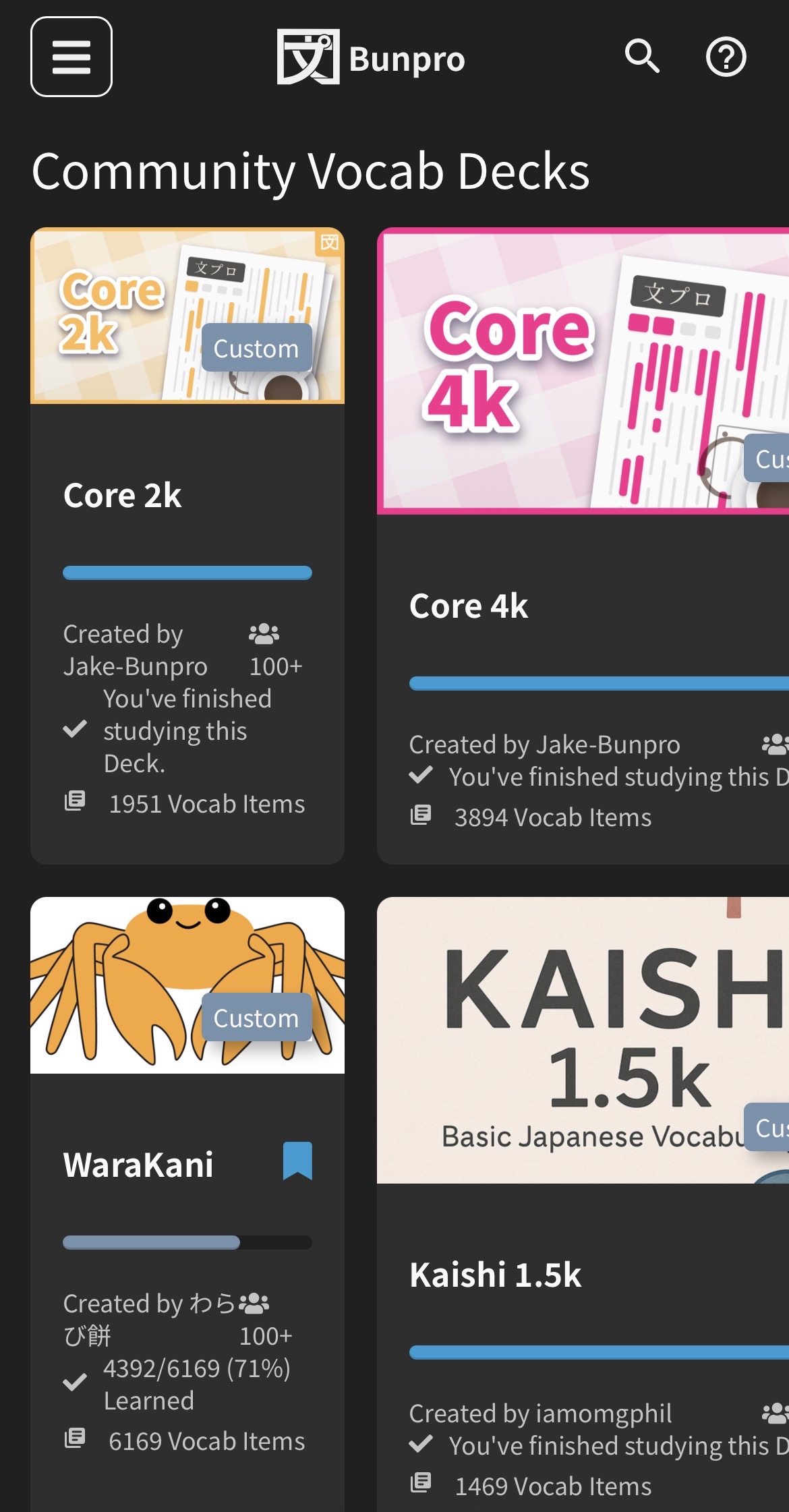
On the website on mobile, some community decks appear squashed (left side), while others appear more normally but go off the edge of the screen (right side):

1 Like

In the Bunpro 4K deck, I’m a bit worried that I’ve been hammering invalid information into my head.

There are words that are “Unlisted” in the deck even though they’re in the most common 4K words. And I think it’s possible that some might have the wrong readings?

An example is: 足下 is pronounced そっか: 足下 | Bunpro

I’m not sure if the problem is restricted to only those words that are “Unlisted”. The audio button doesn’t seem to work either, so it’s not possible to confirm a discrepancy that way like in other places. (Sorry if I’m misunderstanding and the furigana are all valid)

3 Likes

This should definitely be 足元(あしもと)。
I’ve replaced them in that Unit (2500).

Please let us know if you find any more.
How many have you seen so far?

I think @Jake just used a simple text file to generate this Deck, hence the errors.
This is also the reason why it’s not in the official Bunpro Deck list.

1 Like

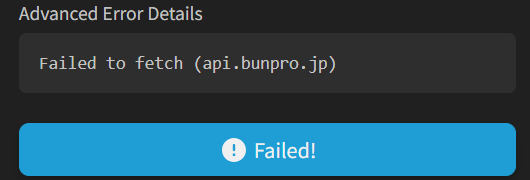
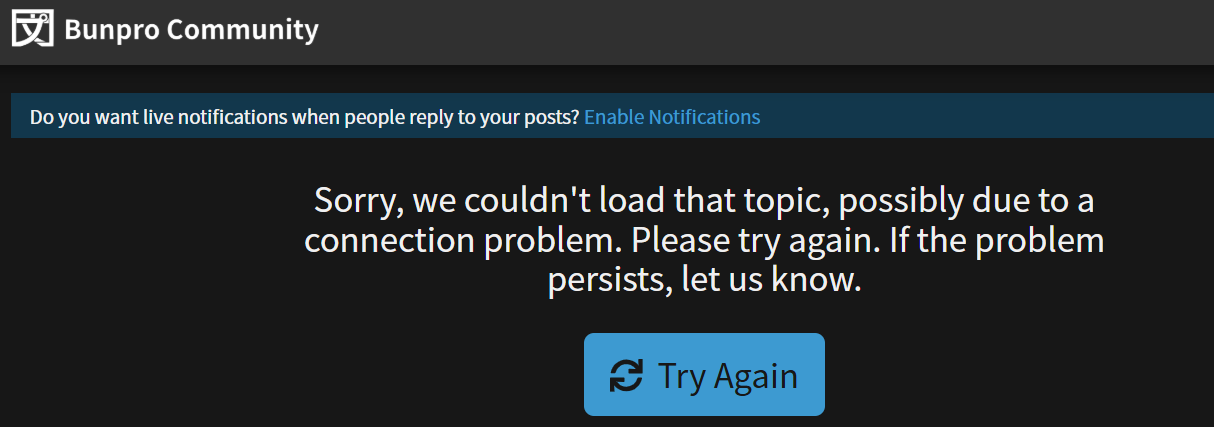
Getting lots of errors:

image

image

Just managed to get through to the forum though, of course :smiley:

2 Likes

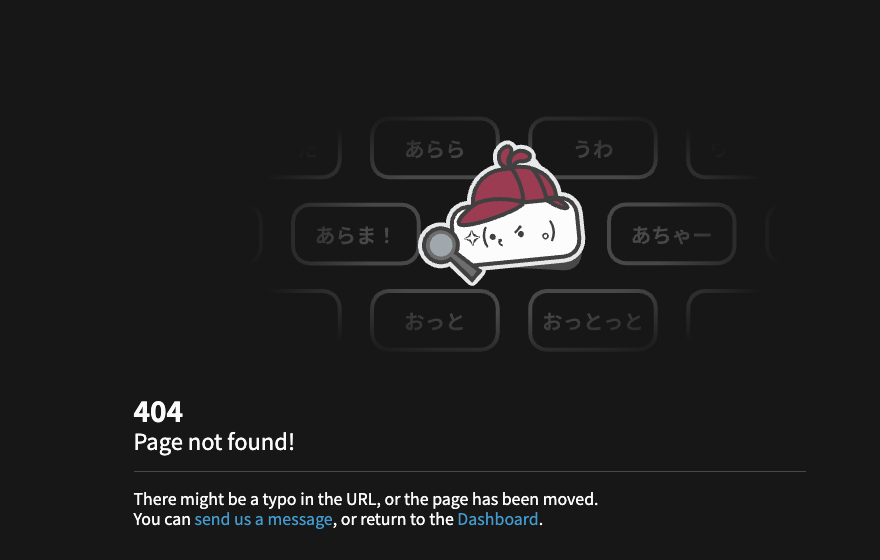
I’m getting this error when I click on profile-related things on the Dashboard.

7 Likes

I came here for the same reason; I’m seeing the same thing when I try to go to my profile.

4 Likes

Same here!

4 Likes

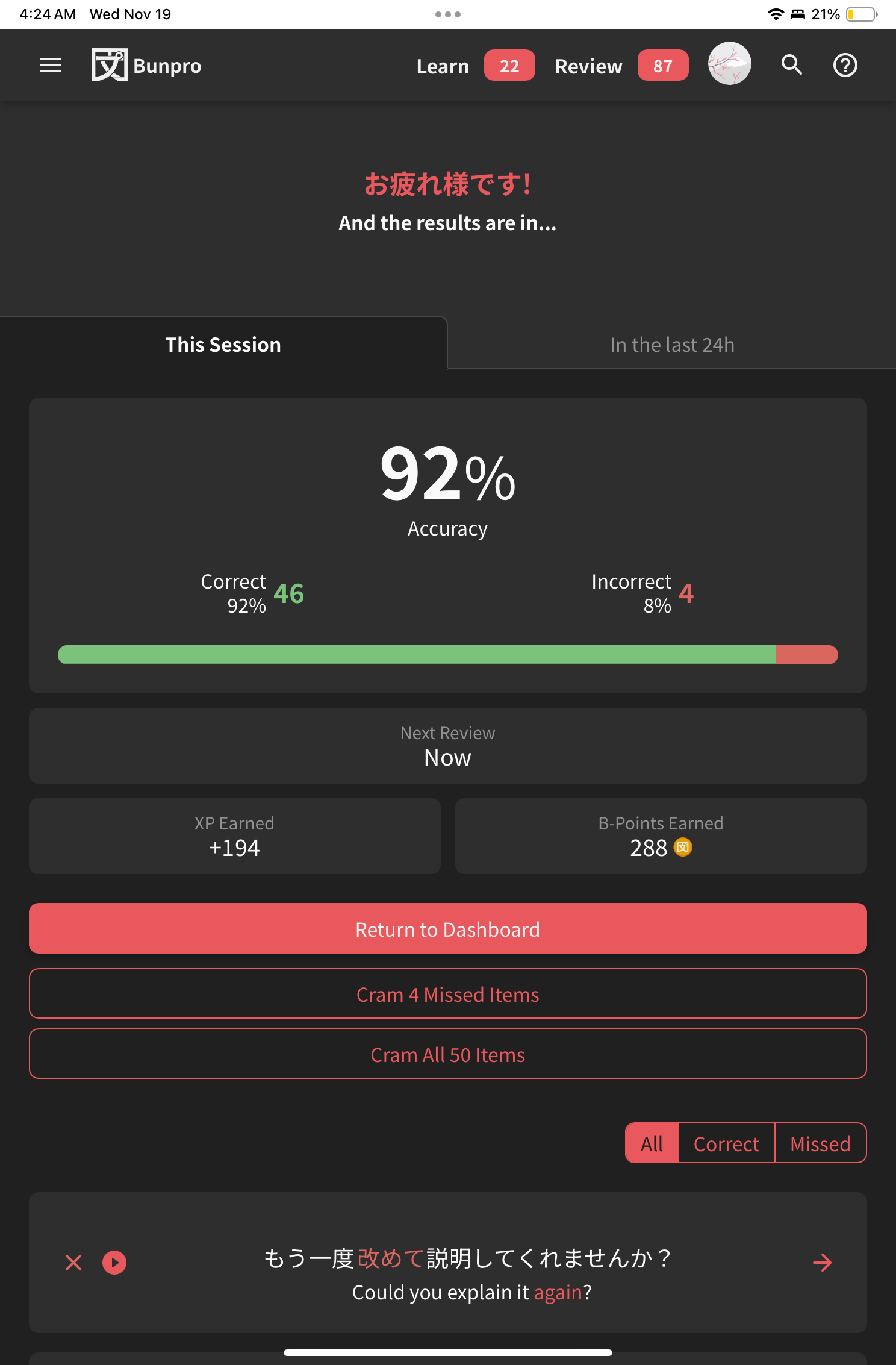
I keep having sessions where it marks ones I got right as incorrect. For example, I didn’t get any wrong on this last session but here’s the summary page:

1 Like

Profile page is still going into 404 and it’s sad(

2 Likes

Greetings, I have 2 bugs to report:

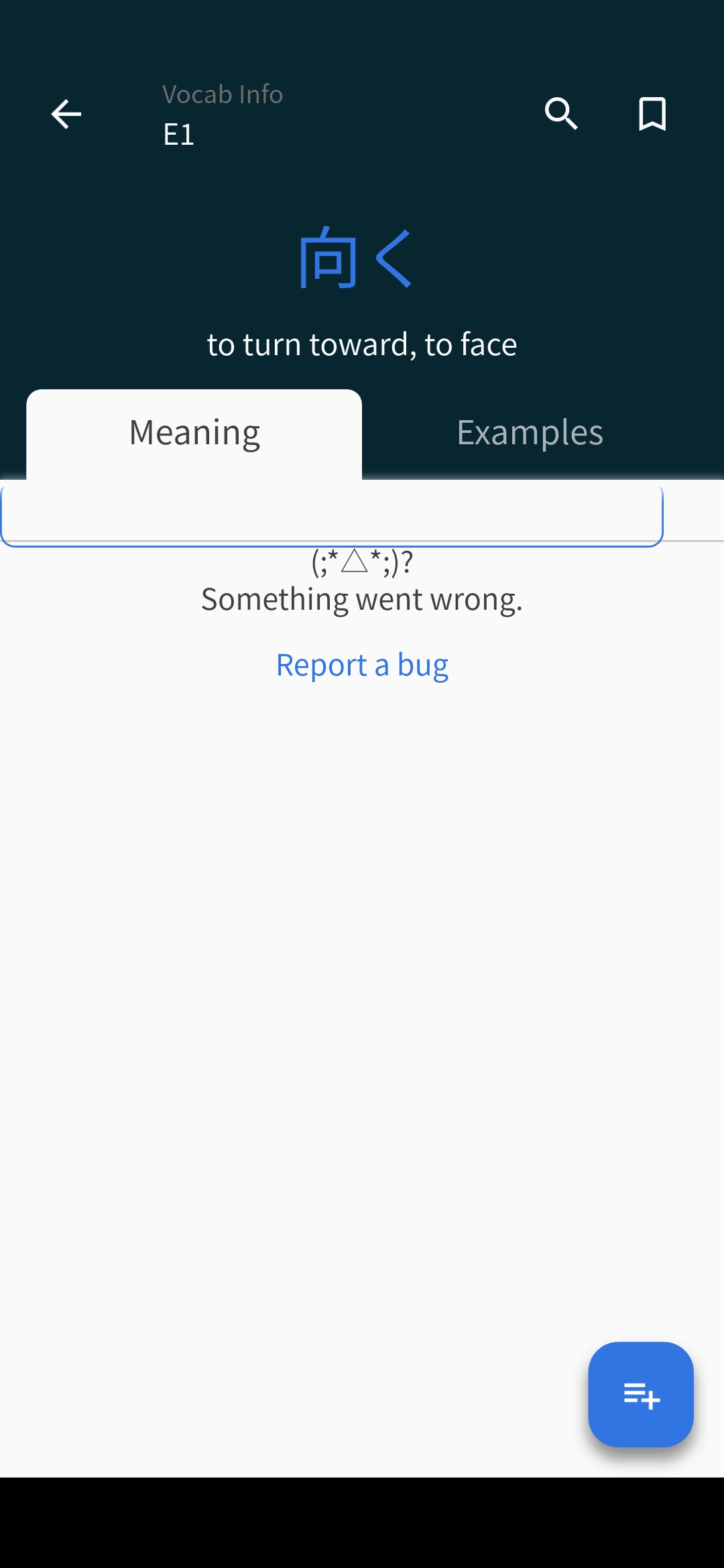
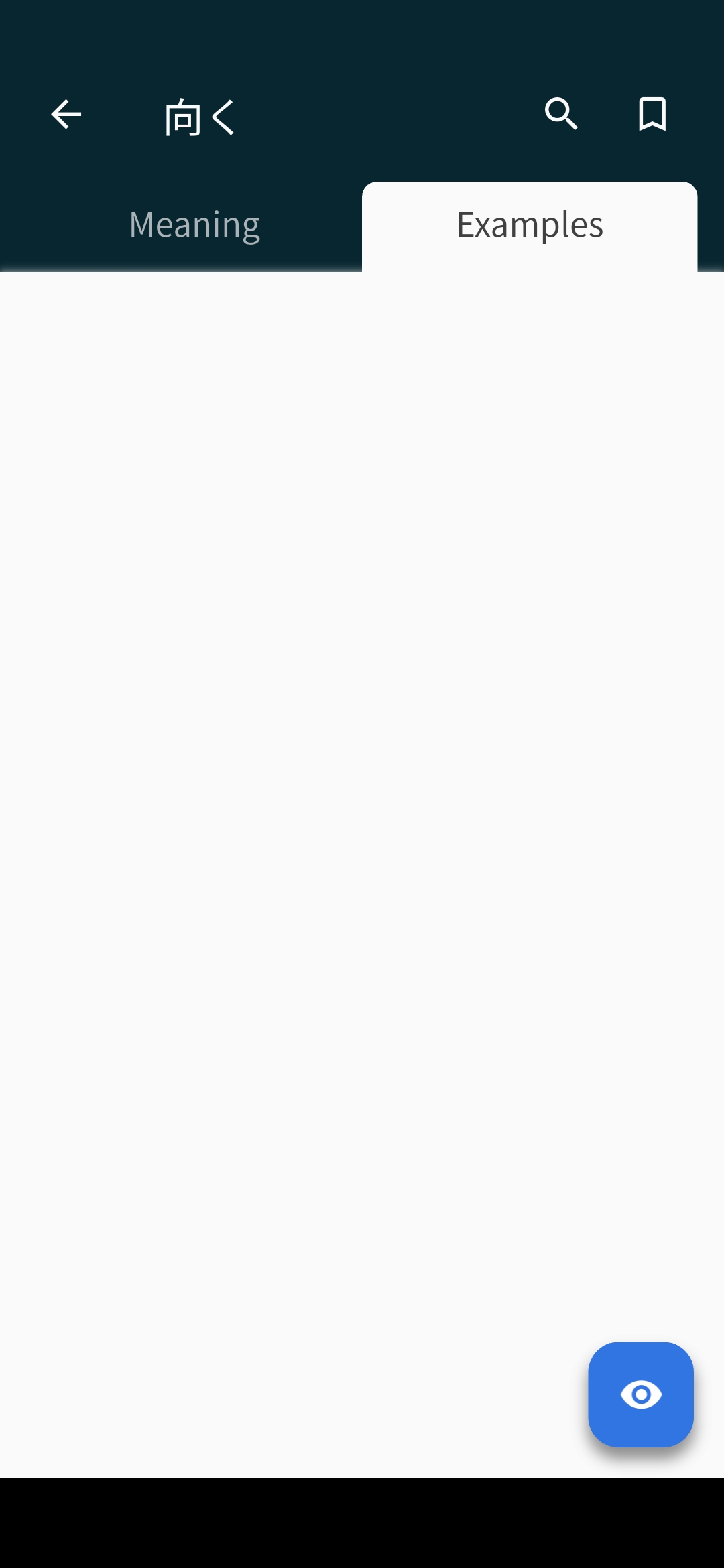
The first one is this is what happens when you try to check an E1 vocab on the mobile app. with JLPT, unclassifed, A and genki it works properly


The second one I unfortunately didn’t capture any image so I will just explain what happened.

I have a deck and was filling a unit by importing groups of words, when it reached 447 it automatically created a second unit and added the new group of around 15 words to this one. Sadly this one behaved weirdly. In the first unit when I added words using import and they added at the end of the unit, in this new unit automatically created it doesn’t work like that. It adds the group of words I add at the start of the unit instead. Another thing I noticed is that despite having the default order on lessons it mixed unit 1 and unit 2 when trying to learn something new.

This got fixed by cloning the deck, the new one works as intended with both the default order working and adding the groups of words at the end of the unit in the second one, it also fixed the order of the words in the second unit as I originally intended.

1 Like

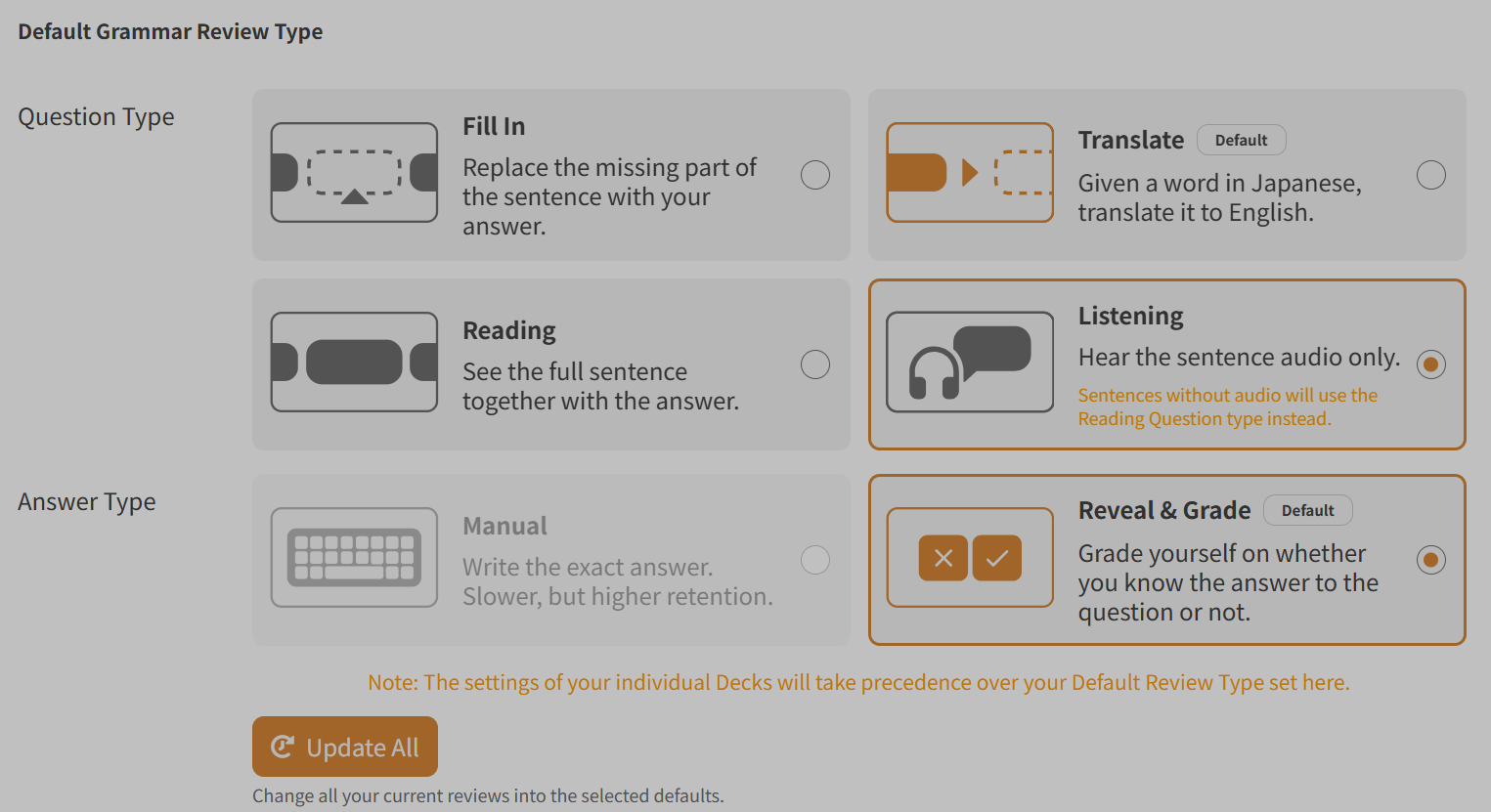
I can’t change review style? I wanted to change my reviews from Fill-in/Manual to Translate/Reveal & Grade, but it keeps switching to listening for some reason? I can’t click on translate, I have to click reading, then translate, then when I hit update, it changes back to listening. I’ve also tried changing it to reading and back to fill in, but not luck. I was able to change vocab reviews just fine, though.

1 Like

The issue seems to have been fixed (or magically gone away) at some point today. Thanks!

1 Like